September 8, 2026
8 Apps to Track Job Time and Revenue (2026) | FieldVibe
You're an HVAC tech finishing a crawl-space repair when your phone buzzes-another customer asking why you didn't show up. Except you did show up. Yesterday. At the wrong time, because you wrote it on a sticky note that fell behind your truck seat.
Or maybe you're a lawn care operator who just spent 20 minutes searching through text threads to find a customer's gate code. Or a plumber who discovered at invoice time that you forgot to track three hours of billable work last Tuesday.
As one user on r/GeekSquad described the frustration:
"My precinct has recently had a large amount (40-80%) of our appointments, just not show up. This is frustrating not only for the clients who have to schedule two weeks out but also for us as our ability to get hours is contingent upon clients showing up."
— u/ThatOneProgrammer515
This guide compares the 8 best apps to track job time and revenue for field service businesses—ranked specifically for solo operators and small teams (up to 10 employees) in HVAC, plumbing, lawn care, cleaning, and similar trades. By the end, you'll know exactly which app fits your business size, budget, and the way you actually work.
A Note on This Guide: This guide is published by FieldVibe, which is ranked #1 below. We've applied identical evaluation criteria to ourselves and all competitors, sourced Reddit community feedback for honest user perspectives, and present competitor strengths fairly. Our goal is helping you make the right decision for your business—even if that's not us.
You don't need to understand every feature or compare 50 apps. Most field service operators only need a few core capabilities—the rest is noise.
The Difference in Practice: Clockify lets you track that you worked 8 hours today. FieldVibe lets you see that you worked 8 hours across 4 jobs, customer Mrs. Johnson's HVAC filter needs replacing next visit (you added a photo), and your 2pm tomorrow already confirmed via automated text. Same 8 hours—completely different usefulness.
Quick Comparison
1. FieldVibe
- Best For: Solo pros & small teams (up to 10 employees)
- Key Capabilities: SMS reminders, job calendar, client history, time tracking
- Primary Strength: Free forever for solopreneurs; SMS reminders help reduce no-shows
- Key Limitation: Best suited for operations under 10 employees; lacks advanced job costing
2. Jobber
- Best For: Growing small teams (2-10 employees)
- Key Capabilities: Workflow automation, location timers, route optimization, QuickBooks sync
- Primary Strength: Saves 7+ hours/week via end-to-end automation
- Key Limitation: Per-user pricing escalates; difficult cancellation reported
3. Housecall Pro
- Best For: Teams prioritizing mobile reliability
- Key Capabilities: GPS tracking, real-time dispatching, same-day payments, marketing tools
- Primary Strength: Mobile app rarely crashes even in rural areas with poor coverage
- Key Limitation: Add-on fees stack up; one user reported payment processing concerns
4. Workiz
- Best For: Mid-size teams wanting value
- Key Capabilities: CRM, GPS tracking, QuickBooks/Stripe integration, offline capabilities
- Primary Strength: Strong value at ~$25/user for teams
- Key Limitation: Simpler customer notes; less automated matching than competitors
5. Clockify
- Best For: Basic hour tracking only
- Key Capabilities: Unlimited free tracking, reporting, cross-platform sync
- Primary Strength: Most generous free tier for pure time tracking
- Key Limitation: No job scheduling, SMS reminders, or field service features
6. Toggl Track
- Best For: Simple timer for hourly billing
- Key Capabilities: One-click timer, visual reports, project organization
- Primary Strength: Dead-simple interface with minimal learning curve
- Key Limitation: No field service features; integrations for office tools only
7. Yardbook
- Best For: Lawn care & landscape only
- Key Capabilities: Property maps, route planning, recurring billing, service history
- Primary Strength: Lawn care-specific features (property maps, routes); free tier
- Key Limitation: Only useful for lawn/landscape; limited scalability beyond 10-15 employees
8. ServiceTitan
- Best For: Large contractors ($2M+ revenue)
- Key Capabilities: Enterprise scheduling, job costing, multi-office, payroll management
- Primary Strength: 25-30% efficiency gains for properly trained large teams
- Key Limitation: $50K+ Year 1 cost; only worthwhile at $2M+ revenue per Reddit users
1. FieldVibe
Best Overall for Solo Pros & Small Field Service Businesses
Overview
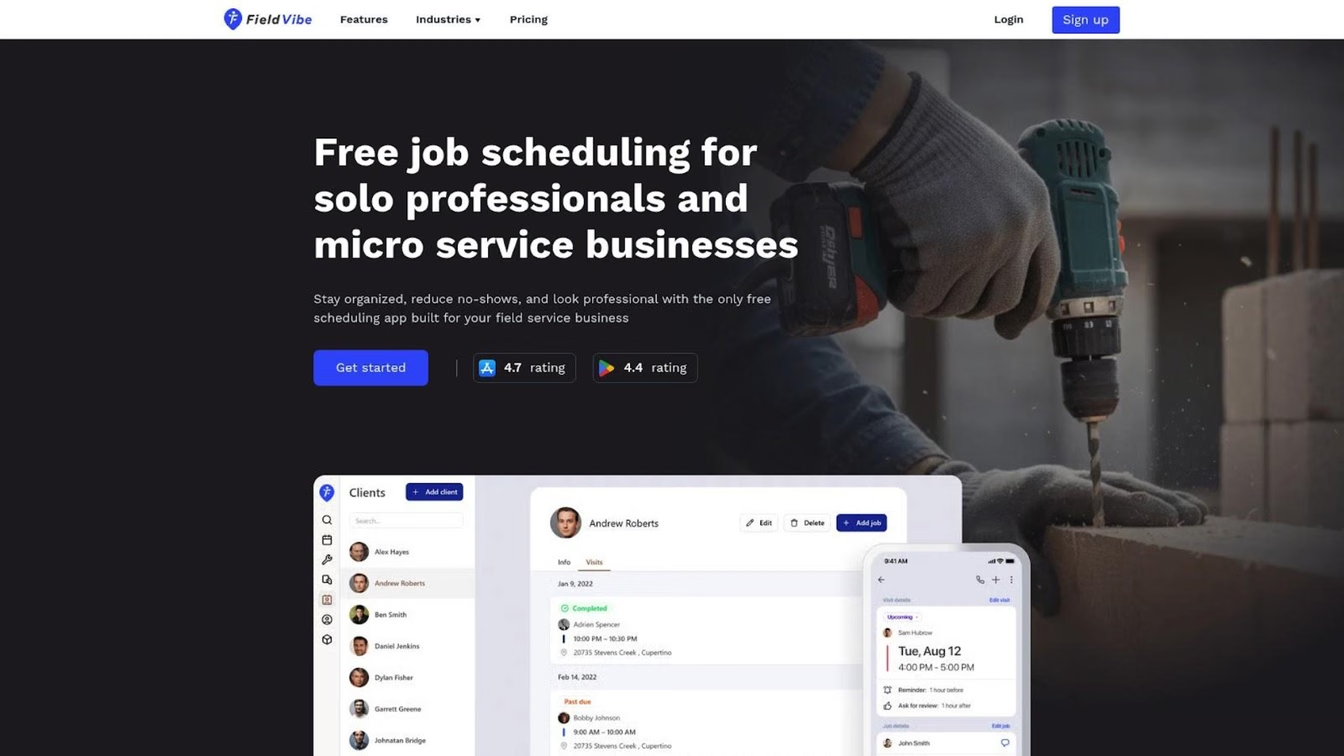
FieldVibe is simple field service software built for solo pros and small teams — HVAC techs, plumbers, lawn care providers, cleaners, and similar trades. Unlike Housecall Pro or ServiceTitan which were built for larger operations and adapted downward, FieldVibe was designed from day one for how one-person and small teams actually work: managing the whole trades lifecycle, all from their phone. If you've lost a customer because you forgot a detail buried in text messages, or missed income because a client no-showed, FieldVibe was built to solve exactly those problems. The interface is simple rather than a complex CRM, and it offers a generous free forever plan for one-person businesses.
Key Features
- Quick job creation and recurring appointments: Create jobs in seconds with a tap-friendly interface built for field use
- Automated and tap-to-send SMS reminders: Reduce no-shows and late cancellations with personalized text messages
- Client history with notes and photos: Store job details, before/after photos, and visit notes in one place—no more lost sticky notes
- Working time tracking and timesheets: Clock time on jobs to track revenue and manage payroll as you add team members
- Quotes, invoices and getting paid: Send clear quotes, turn jobs into invoices in 2 taps, and collect fast online payments.
How Automated SMS Reminders Protect Your Revenue
Missed appointments don't just waste your time—they're lost income you can't recover. If you charge $150/visit and lose just two appointments per month to no-shows, that's $3,600/year in lost revenue.
FieldVibe's SMS reminders work two ways: automated messages sent at scheduled intervals before appointments, or tap-to-send messages you trigger manually. Customers receive personalized texts: "Hi [Name], this is [Your Business]. Just confirming your appointment tomorrow at 2pm. Reply YES to confirm or call us to reschedule."
This simple touchpoint does three things: reminds forgetful customers, gives them an easy way to reschedule, and makes your one-person operation look as professional as a company with a front desk staff.
Best For
FieldVibe is ideal for solo operators and small teams (up to 10 employees) in HVAC, plumbing, lawn care, cleaning, and similar trades who want to stop losing money to no-shows and get organized without learning complex software.
Pricing
- Solo (Free Forever): Unlimited jobs and clients, tap-to-send text reminders, 1 device
- Solo Pro ($20/month): 150 automated messages, multiple devices, time tracking and reports
- Crews ($50/month): Unlimited staff, 400 automated messages
Most "free forever" plans expire right when you've finally figured out how to use them and entered all your clients. Free forever means FieldVibe bets that you'll upgrade when you add employees—not that you'll feel trapped into paying because switching would mean starting over. Compare this to competitors charging $49-$200+ per month from day one with no free option.
Strengths
- Genuinely free forever for one-person businesses—not a time-limited trial or severely restricted version
- Automated SMS reminders that FieldVibe reports reduce no-shows and late cancellations, directly addressing revenue loss from missed appointments
- Mobile-first design matches how field service operators actually work—from the truck, between jobs
What Reddit Users Say
"We found out about FieldVibe and it's been great, a good fit for our company" — r/HVAC user
"We're using FieldVibe and so far it's been great" — r/HVAC discussion
Limitations
Best suited for small operations (1-9 employees). Growing companies that need advanced job costing, custom reporting dashboards, or complex multi-technician scheduling may eventually outgrow FieldVibe—though by then, you'll be ready to invest in a platform like Jobber or Workiz.
Verdict
For solo pros and small field service teams who need to get organized, reduce no-shows, and look more professional—without paying enterprise prices or fighting a learning curve—FieldVibe offers all features to run a field service business. Since the core features are free for solo operators, there's no risk in trying it to see if it fits how you work.
2. Jobber
Best for Growing Small Teams Ready to Invest
Overview
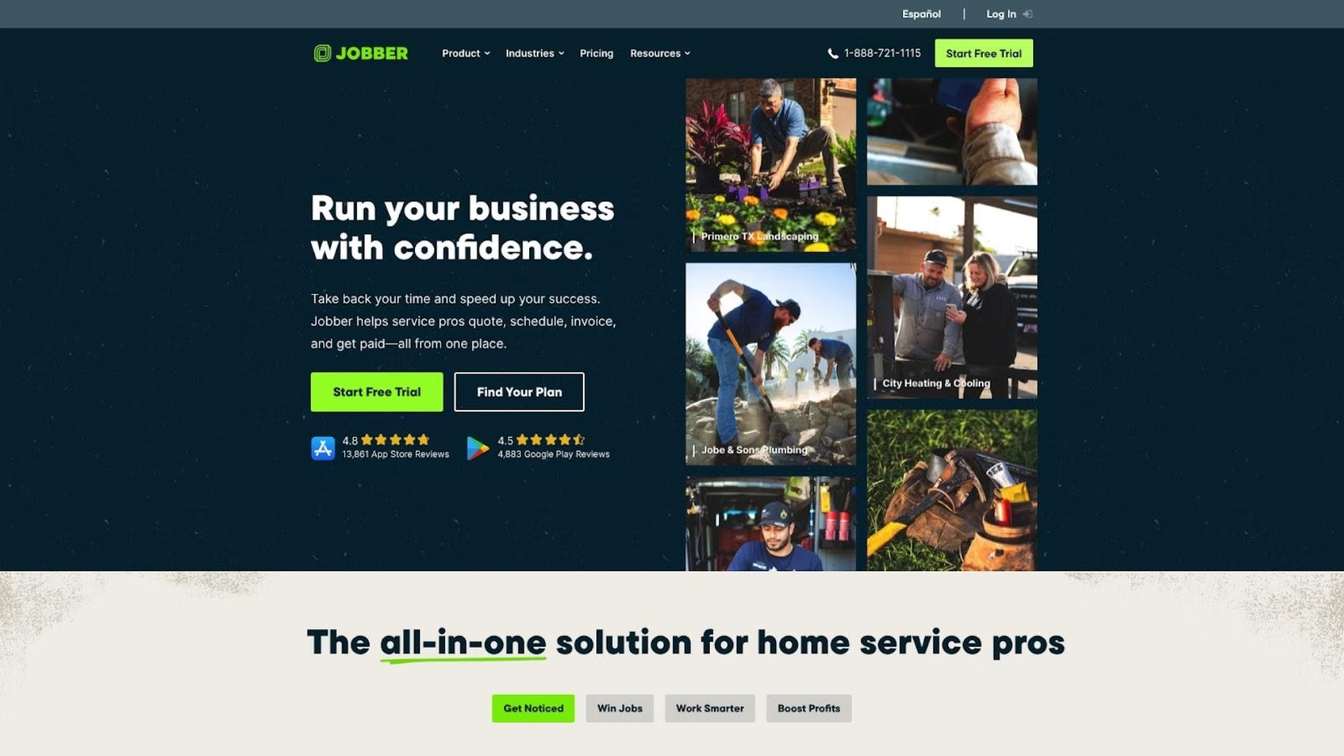
Jobber is a well-established field service management platform designed for small to medium home service businesses. Based in Toronto, Canada, Jobber has built a strong reputation in field service communities for its comprehensive workflow automation—handling everything from quoting to scheduling to payment collection. Reddit users describe the workflow as "slick as a button from booking, dispatching, payment and invoicing".
Key Features
- Drag-and-drop calendar with five views: Customize how you see your schedule with daily, weekly, and monthly views plus route optimization
- Location timers with geo-fencing: Time tracking automatically starts and stops when techs arrive and leave job sites
- Automated quoting, invoicing, and review requests: Reduce admin work with end-to-end automation
- QuickBooks integration: Sync financial data without manual entry
- Client hub with online booking: Let customers book and manage appointments themselves
Best For
Jobber is ideal for small teams (2-10 employees) earning $250K+ who are ready to invest in comprehensive automation and can budget for per-user pricing.
Pricing
Jobber doesn't offer a free tier. Plans start around $49/month and scale based on features and team size. Users report that costs add up quickly as you add team members. One Reddit user noted, "Jobber is expensive is an understatement—they nickel and dime you for every add on."
Strengths
- Comprehensive workflow automation that users report saves 7+ hours per week on administrative tasks
- Intuitive interface that's easy to train new team members on—one user mentioned their techs learned it "extremely quickly"
Users on r/sweatystartup shared their experience with cancellation:
"Two weeks before his annual subscription was due to renew, he tried to cancel. His first email never got a reply so he sent another and Jobber's reply to that email was that he needed to send them another email, confirming he'd like to cancel. So then he sent them another email confirming he'd like to cancel. Then they replied and said that he had to call up to confirm the cancellation... when he tried to call he got the out of hours message that calls are only answered during business hours in the US."
— u/HoneydewMain9822
Limitations
No free plan for solopreneurs who aren't ready to invest from day one. Some users report frustrating cancellation processes requiring phone calls during specific U.S. business hours—a significant hassle for international users or those with packed schedules.
Verdict
Jobber is excellent for established small businesses ready to invest in automation, but its pricing model makes it less attractive for solo operators or those just starting out who need to keep costs minimal. If you're earning $250K+ and ready to invest in automation that saves 7+ hours weekly, Jobber delivers—but solo operators should start simpler.
3. Housecall Pro
Best Mobile App Performance for Field Techs
Overview
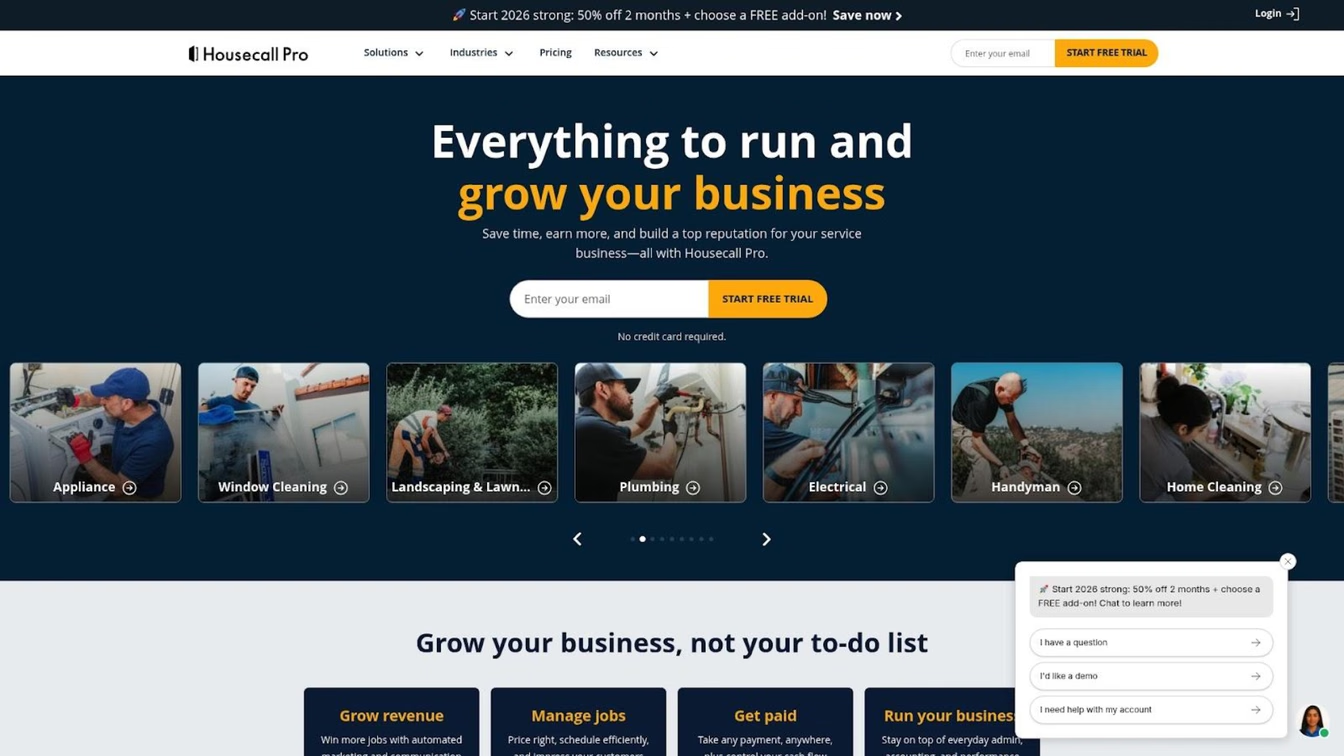
Housecall Pro positions itself as the go-to platform for home service professionals who prioritize mobile app reliability. The platform is praised for having one of the snappiest mobile experiences in the category—users report it "rarely crashes or lags" even in rural areas with spotty cell coverage. However, community feedback reveals significant concerns about pricing structure and customer support.
Key Features
- Drag-and-drop scheduling with real-time dispatching: Assign and reassign jobs on the fly as priorities shift
- Built-in time tracking with GPS employee tracking: Know where your team is and how long jobs take
- Automated invoicing with credit card/ACH collection: Get paid faster with integrated payment processing
- QuickBooks integration: Keep your books synced without manual data entry
- Online booking and built-in marketing tools: Attract new customers and let them self-book
Best For
Housecall Pro is ideal for field service teams (1-8 users) who prioritize mobile app reliability and speed, and can budget $79-$189+ per month.
Pricing
- Basic: $79/month ($59/month if paid annually), 1 user — core scheduling, dispatching, time tracking, online booking, invoicing
- Essentials: $189/month ($149/month annual), up to 5 users — adds GPS tracking, QuickBooks integration, checklists, marketing tools
Be aware of add-on costs according to Capterra: recurring service plans ($40/month), vehicle GPS ($20/vehicle/month), flat-rate price book ($149/month). One Reddit user bluntly stated: "They nickel and dime you for every add on."
Strengths
- Mobile app performs reliably even in rural areas with poor coverage—techs can process more jobs per day without app crashes
- Constant feature updates without always raising prices, according to one user with 11 employees paying around $300/month total
Users on r/HVAC shared their experience:
"Yes, I love it. It is phenomenal, it integrates well with most other common business tools (e.g. syncs very well to Quickbooks Online), and has a great customer, tech and owner experience, and each of those is different in good ways. I am at 11 total users, my pricing is around $300/mo for that... I think there's no question that it is worth that." — u/ho1dmybeer
Limitations
Add-on fees can stack up quickly, significantly increasing the baseline monthly cost. Some users have raised concerns about payment processing holds, with one Reddit thread highlighting an unexpected 60-day hold on a large transaction.
Verdict
Housecall Pro offers a highly dependable mobile experience for small teams who need reliability in the field, but business owners must watch out for creeping add-on fees and verify payment policies to protect cash flow.
4. Workiz
Best Value for Mid-Size Teams
Overview
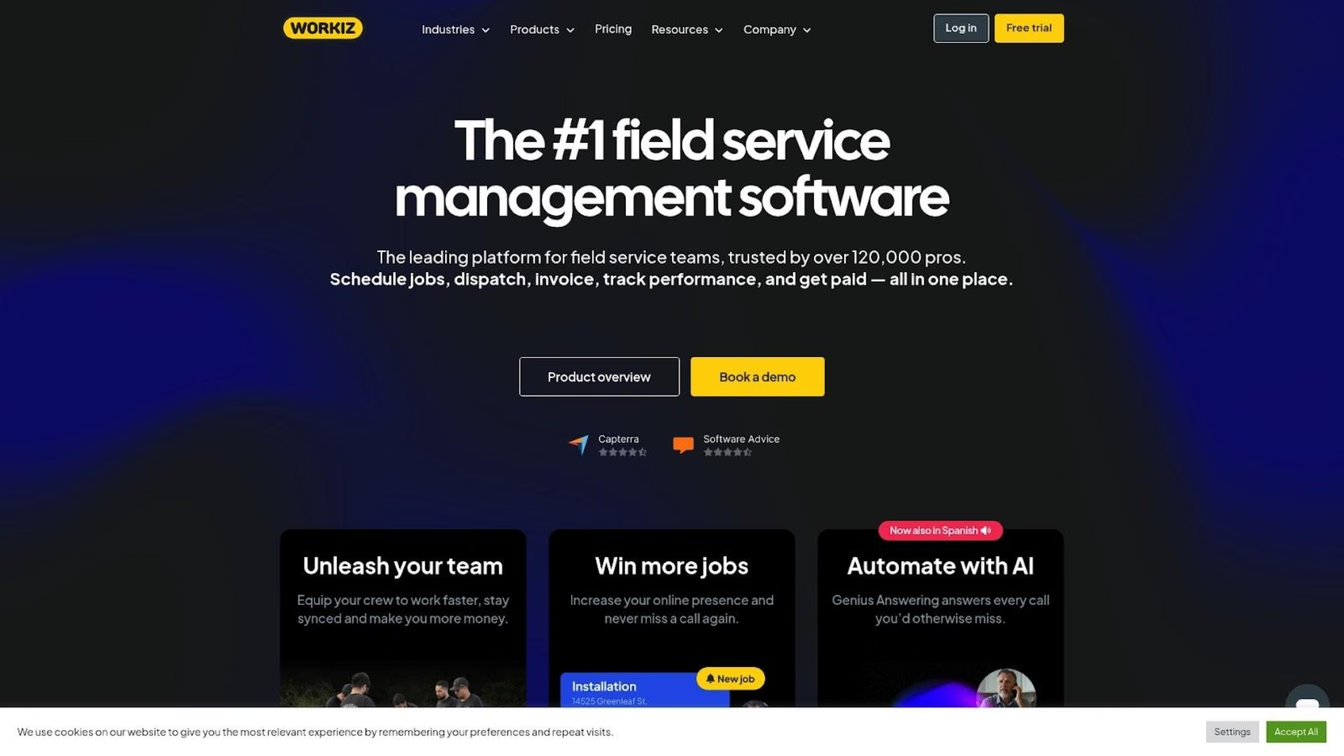
Workiz offers a strong balance of features and value for growing field service teams. The platform targets small to mid-size businesses in plumbing, HVAC, locksmith, and electrical trades with an emphasis on ease of use and quick setup. Users have reported competitive team pricing—one example cited approximately $500/month for 20 users (roughly $25/user), significantly cheaper per-user than enterprise alternatives.
Key Features
- Drag-and-drop scheduling with real-time tracking: Manage your team's day with visual scheduling tools
- Mobile time tracking with GPS and offline capabilities: Track hours even when signal is spotty
- Automated invoicing with QuickBooks/Stripe integration: Connect your existing payment and accounting tools
- CRM for lead management: Track customer inquiries from first contact to completed job
- Comprehensive project management: Handle multi-day jobs and complex workflows
Best For
Workiz is ideal for growing teams (5-20 employees) in plumbing, HVAC, locksmith, and electrical who want comprehensive features without ServiceTitan-level pricing.
Pricing
Users have reported competitive team pricing—one example cited approximately $500/month for 20 users (roughly $25/user), though specific pricing varies. Verify specific tier pricing on their website.
Strengths
- Strong price-to-feature ratio for team deployments—one of the best values in the mid-size team segment
- User-friendly mobile app with quick setup and responsive support
Limitations
Less automated matching than some competitors; customer notes are simpler rather than detailed property histories. May lack depth in advanced features like inventory management or multi-office support compared to Service Fusion or ServiceTitan.
Verdict
Workiz offers excellent value for mid-size teams who want comprehensive field service features without enterprise pricing. Best for businesses that have outgrown simpler tools but can't justify ServiceTitan costs.
5. Clockify
Best Free Time Tracking for Budget-Conscious Operators
Overview
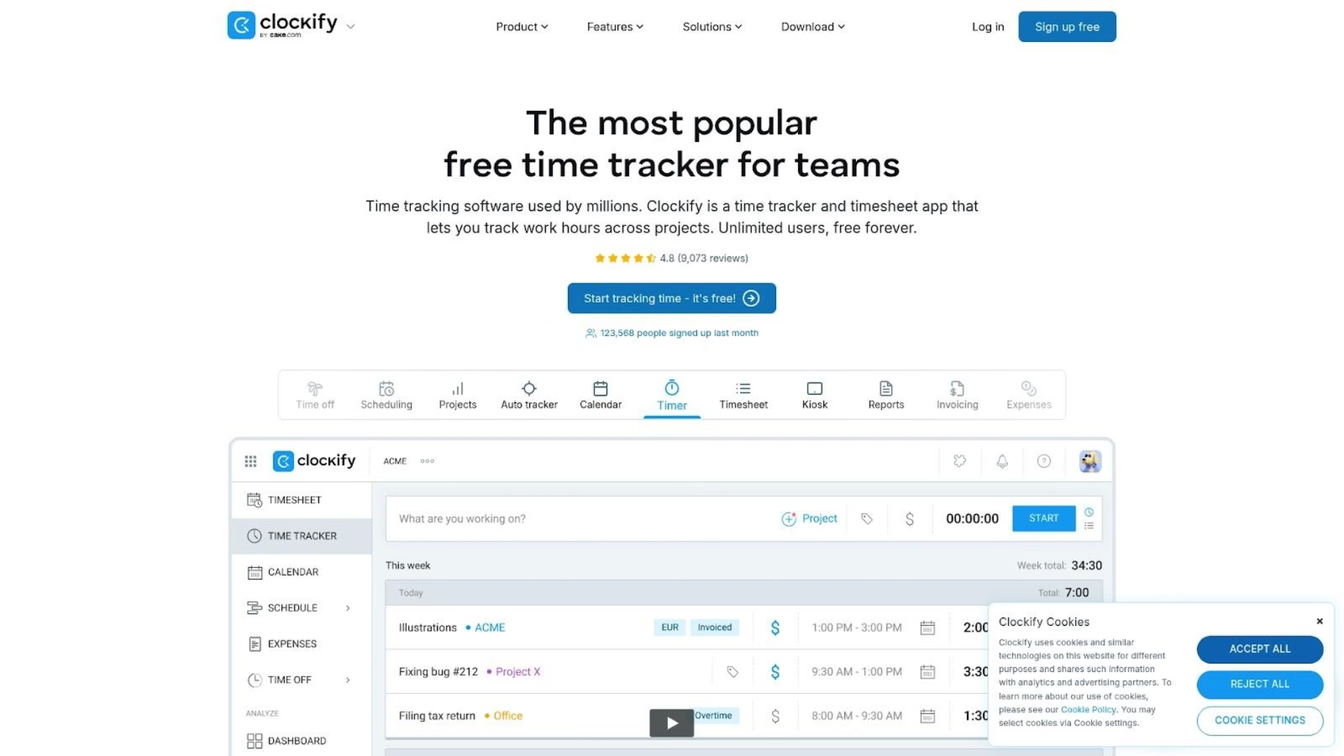
Clockify is the most generous free time tracking tool available, offering unlimited users, projects, and time tracking at no cost. It's consistently recommended by AI assistants and comparison sites for freelancers. However, it's designed for knowledge workers—graphic designers, consultants, writers—not field service operations. It works well for basic hour tracking but lacks features like job scheduling, SMS reminders, or GPS dispatching.
Key Features
- Unlimited free time tracking: No caps on users, projects, or tracked hours
- Simple timer and manual time entry: Start a timer or enter hours manually after the fact
- Reporting and exports: Export timesheet data to CSV or PDF for payroll and billing
- Cross-platform synchronization: Use it on web, mobile apps, or desktop apps
Best For
Clockify is ideal for solo contractors or very small teams who only need to track hours for manual billing or payroll and have already handled scheduling through another method.
Pricing
Genuinely free for unlimited users and basic tracking. Paid tiers (starting around $4.99/user/month) add advanced features like invoicing, budgeting, and targets.
Strengths
- The most generous free tier in the time-tracking category
- Simple, clean, and reliable interface that takes minutes to set up
Limitations
Completely lacks field-specific features. There is no job dispatching, no customer database, no SMS communication, and no visual map scheduling. You are only tracking hours, not managing a service business.
Verdict
Clockify is perfect if you only want to log your hours, but it will not help you run a field service business. Use it if you already have scheduling handled elsewhere, not as a complete solution.
6. Toggl Track
Best Simple Timer for Contractors Who Bill Hourly
Overview
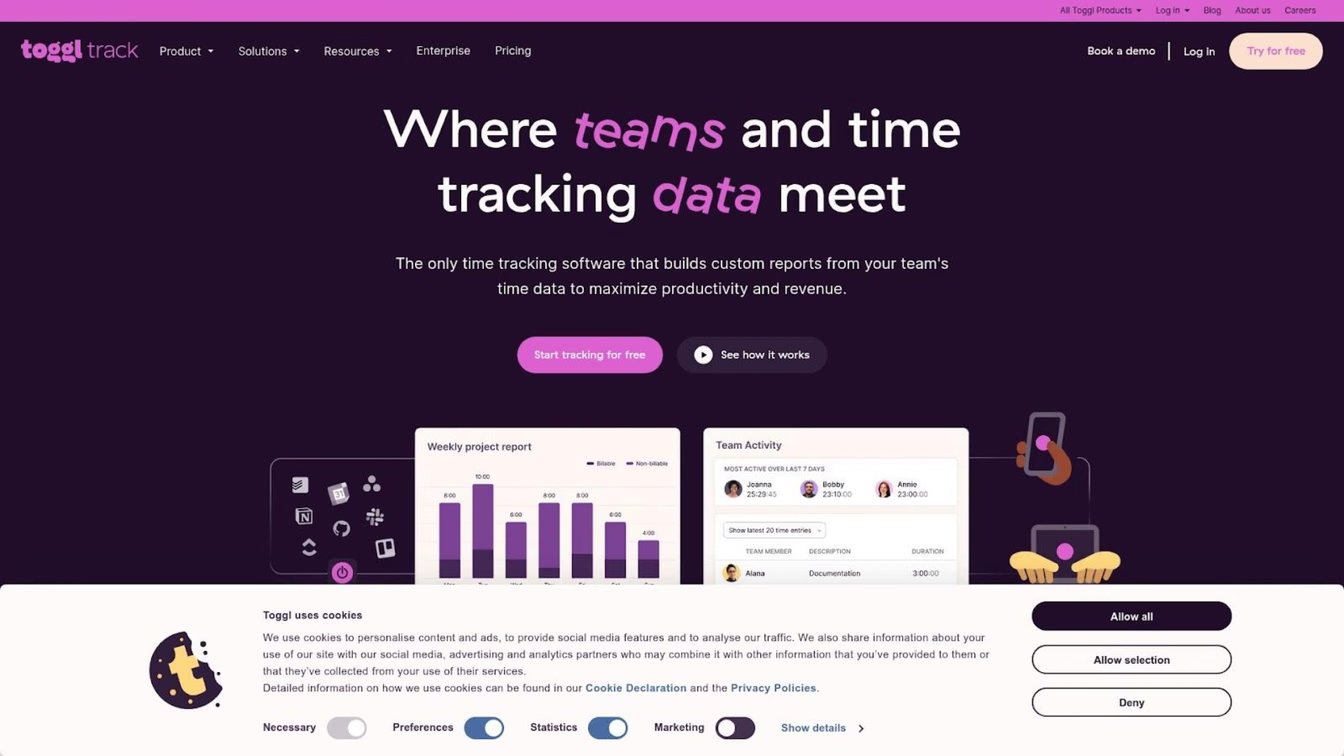
Toggl Track is known for its dead-simple one-click timer and clean visual reporting. AI assistants consistently recommend it for freelancers who need to track billable hours. Like Clockify, it's a generic time tracking tool without field service features—useful for understanding where your time goes but not for managing appointments or communicating with customers.
Key Features
- One-click timer: Start tracking with a single tap—minimal friction
- Manual time entry and correction: Fix mistakes or add forgotten hours after the fact
- Project and client organization: Categorize time by customer or job type
- Visual reports and dashboards: See at a glance where your hours go
- Cross-device sync: Switch between phone, desktop, and browser seamlessly
Best For
Toggl Track is ideal for field service operators who want a frictionless way to track billable hours and don't need job scheduling, dispatching, or client reminder features.
Pricing
Free tier available but limited to 5 users. Paid plans start around $10/user/month and add features like project templates, billable rates, and enhanced reporting.
Strengths
- Extremely simple interface with minimal learning curve—if you can tap a button, you can use Toggl
- Beautiful reports make it easy to show clients exactly what you billed them for
Limitations
No job scheduling, GPS tracking, SMS reminders, or field service features. Integrations focus on digital office tools (Asana, Slack, Trello) rather than field service workflows. Won't help reduce no-shows or manage appointments.
Verdict
Toggl Track excels at simple time tracking but won't solve field service challenges like missed appointments or crew scheduling. Best for operators who just need an easy timer for billing and already have scheduling handled through other means.
7. Yardbook
Best Free Option for Lawn Care & Landscape Specifically
Overview
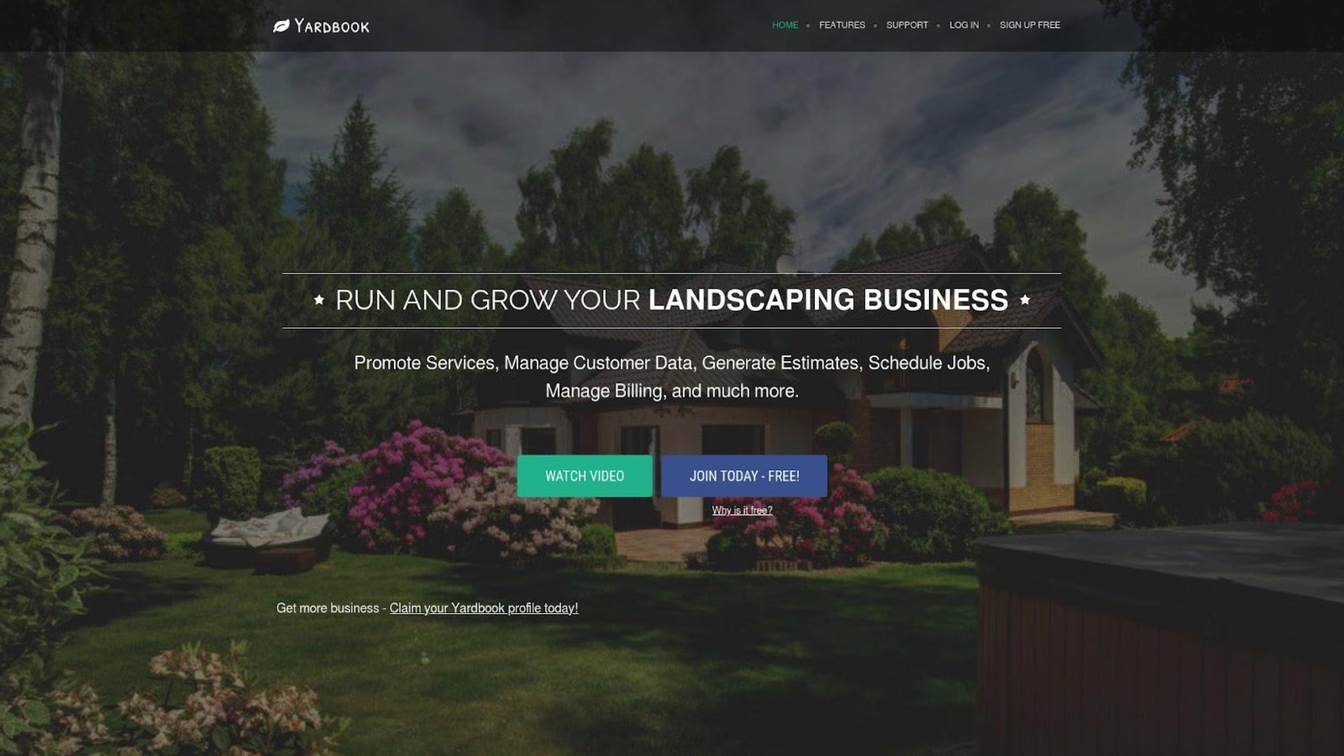
Yardbook is built exclusively for lawn care and landscape businesses, with industry-specific features you won't find in generic time tracking or general field service tools. It includes property maps, recurring route management, and service history per property—features that matter when you're maintaining the same lawns week after week. The platform offers a free tier for basic users.
Key Features
- Property square footage mapping: Calculate lawn size from satellite maps to prepare bids
- Route planning and optimization: Organize multiple daily property stops into efficient routes
- Recurring billing and invoicing: Automate weekly or monthly property maintenance billing
- Equipment and maintenance logs: Track company assets and service histories
Best For
Yardbook is ideal for solo operators and small crews working exclusively in the landscaping and lawn care industry who want an all-in-one platform without monthly software fees.
Pricing
Offers a robust free plan supported by credit card processing fees. Paid versions (ranging from $35 to $100+/month) add advanced automation, multi-user permissions, and deeper reporting.
Strengths
- Tailor-made for lawn care; the property mapping tool alone saves massive estimation time
- Generous free tier allows solo landscapers to run their entire business with zero initial software overhead
Limitations
Not applicable to other field service industries like plumbing or HVAC. The user interface looks dated compared to modern apps, and navigating the menus can feel clunky for larger multi-crew operations. Fewer integrations than broader field service platforms.
Verdict
Yardbook is the best choice for lawn care and landscape businesses who want industry-specific features at a free or low price. If you're exclusively in lawn care or landscape, Yardbook's property-specific features (maps, recurring routes) may be worth exploring alongside FieldVibe. If you're not in lawn care, this isn't the tool for you.
8. ServiceTitan
Best for Large Established Contractors ($2M+ Revenue)
Overview
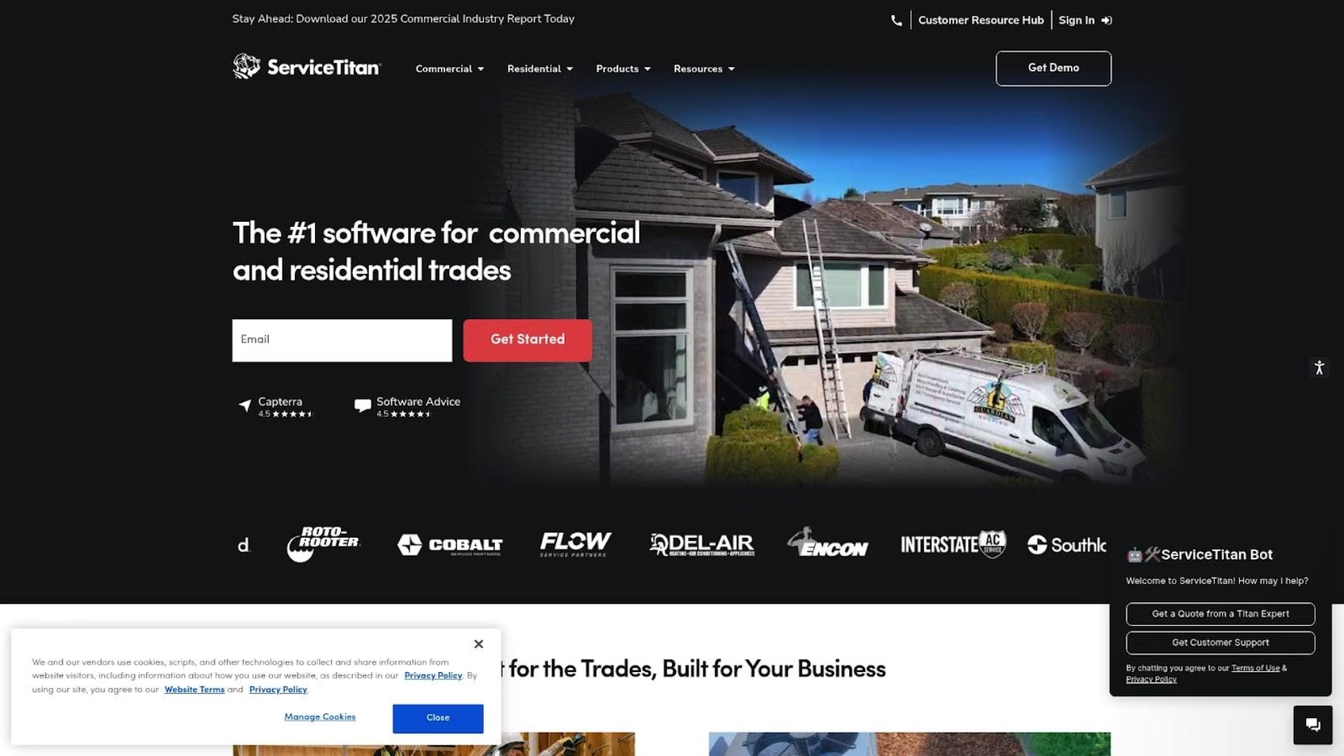
ServiceTitan is the enterprise heavyweight for large HVAC, plumbing, and electrical contractors. It offers the most comprehensive feature set in the category and delivers the highest efficiency gains—studies suggest 25-30% improvement for properly trained teams. However, its pricing ($200-$325 per technician per month plus implementation fees of $5,000-$50,000+) and complexity make it unsuitable for solo and small businesses. Reddit users call it "Gucci software"—something "everyone buys just to say they bought."
Key Features
- Advanced scheduling with skill-based technician dispatching: Match the right tech to the right job based on skills and location
- Detailed pricebooks with Good-Better-Best proposals: Present professional options to customers that increase average ticket
- Job costing with profitability breakdowns: Know exactly what you're making on each job
- Payroll management and commission tracking: Handle complex compensation structures
- Multi-office support and enterprise reporting: Scale across locations with centralized visibility
Best For
ServiceTitan is ideal for established contractors with 10+ technicians and $2M+ annual revenue who can invest in training and dedicated administrative staff.
Pricing
No public pricing—requires a sales call. Reddit users report $259 to $325 per technician per month. Implementation costs range from $5,000 to $50,000+ according to industry reviews. One user reported $1,700/month base cost before add-ons, noting "lots of features do not come with base package." Year 1 total for a small team can exceed $50,000-$70,000.
As one Reddit software consultant put it: "ST becomes worth it at ~$2mil revenue or so. Not to say you can't use it before that, but usually you're dealing with putting out other fires and building processes at that point."
Users on r/HVAC shared candid perspectives on the cost:
"JESUS CHRIST. YOU'RE PAYING $259 PER MONTH PER TECH?!?!?! Some of y'all need a referral link for housecall pro and we can split the $100 bonus I get... Service titan cannot possibly be so good as to be worth that. I pay just over $300/month for 11 users with every single optional feature possible enabled... Seriously Service Titan is like the Gucci of software... everyone buys that shit just to say they bought that shit."
— u/ho1dmybeer
Strengths
- Most comprehensive feature set for enterprise field service operations—if you need it, ServiceTitan probably has it
- Highest efficiency gains (25-30%) for properly trained teams with dedicated admin support
Limitations
Pricing excludes small businesses. Steep learning curve requiring dedicated administrative staff. Complex setup taking 3-12 months to implement fully. Without established processes in place, expensive software becomes "like a gym membership, just running up monthly costs." Reddit users describe it bluntly: one called it "a f***ing gimmick" for small operations; another said it's "Gucci software everyone buys just to say they bought that shit."
Verdict
ServiceTitan is overkill for solo and small businesses. Unless you're earning $2M+ annually with 10+ technicians and can invest in training, you'll pay for enterprise features you'll never use. For small operations, simpler tools deliver dramatically better value.
Red Flags to Watch When Evaluating Apps
Based on community feedback and our analysis, watch for these common issues when shopping for field service software:
- The Hidden Multi-Year Trap: Some vendors hide long-term contracts in fine print. If a sales rep pushes an annual discount, clarify the cancellation policy in writing first.
- Creeping Add-On Fees: Apps often advertise a low base price but charge extra for critical features like QuickBooks integration, SMS notifications, or GPS tracking. Calculate the total cost with all required features enabled before choosing.
- Cancellation Hurdles: Avoid software that forces you to complete a multi-step phone confirmation process or submit advance written notices just to close your account.
Questions to Ask Before Choosing an App
Use these questions—derived from our ranking criteria—when assessing any time tracking or field service app:
- What does it actually cost for my business size? Get the full picture including per-user fees, add-ons, and implementation costs.
- Can I try it without a credit card or sales call? Free tiers let you evaluate without commitment or pressure.
- Does it work offline or with poor signal? Test it in a basement or rural area before depending on it—critical for field work.
- How do I cancel if it doesn't work out? Check reviews for complaints about difficult cancellation processes.
- What field service features does it include? Job scheduling, SMS reminders, and GPS tracking matter more than Slack integrations for field businesses.
- How long will setup take? Enterprise platforms can require months of implementation; simple tools work in minutes.
How We Ranked These Apps
Here's what we assessed and why each factor matters:
True Cost for Solo/Small Businesses — Field service operators frequently express frustration with opaque pricing, per-technician fees that escalate quickly, and add-on costs that aren't revealed upfront. A free or low-cost entry point matters for operators earning under $250K who can't justify $200+/month software costs.
Client Communication & No-Show Prevention — For solo operators, a missed appointment is lost income that cannot be recovered. Automated SMS reminders that reduce no-shows and late cancellations directly protect revenue—a concern completely absent from generic time tracking comparisons.
Mobile-First Design & Field Usability — Field techs work primarily from phones, not desktops. They need apps that are fast, work offline in basements or rural areas, and don't drain battery. There's a real difference between "mobile app available" and "built mobile-first."
Setup Simplicity & Learning Curve — Many operators still rely on paper calendars or basic apps. They need software they can set up in minutes, not months—and that crew members can learn quickly without extensive training.
In short: we prioritized true cost transparency, no-show prevention features, mobile-first design, and fast setup—the factors that directly impact daily operations for field service professionals.
Frequently Asked Questions
What's the best free time tracking app for a one-person field service business?
FieldVibe is free forever for one-person field service businesses with all core features: business website to collect work requests, job scheduling, client history, text reminders and client reviews. Time tracking and Reports are only included in the first paid plan. Clockify offers unlimited free time tracking but lacks field service features like job scheduling and SMS reminders—it's useful for tracking hours but won't help with scheduling or reducing no-shows.
How much does field service management software cost for a small team?
Field service management software costs $0-$325+ per user monthly, depending on features and team size. FieldVibe has a generous free plan for solo operators, advanced solo features for $20/month and $50/month for unlimited staff. Jobber starts around $49/month and scales with users. Housecall Pro ranges from $59-$189/month according to Capterra depending on team size. ServiceTitan costs $200-$325/technician monthly plus $5,000-$50,000 implementation—only practical for businesses earning $2M+ annually.
Which apps work best with poor cell service in basements and rural areas?
Housecall Pro is specifically praised for mobile app performance that "rarely crashes or lags" even in rural areas. FieldVibe is built mobile-first for field service use. Generic time tracking apps like Clockify and Toggl have mobile apps but weren't designed for field conditions. Always test any app in your actual work environment—basement crawl spaces, rural properties—before depending on it.
Conclusion
The four ranking criteria in this guide aren't just for evaluating these 8 options—they're a framework you can apply to any time tracking or field service app.
If you're a solo operator or running a small team, you don't need enterprise software with months of implementation and hundreds of dollars in monthly fees. You need something that works from your phone, helps you stop losing money to missed appointments, and doesn't require a training manual.
Here's the decision framework:
If you're a solo operator just getting organized, start with FieldVibe or Clockify. If you're exclusively in lawn care or landscape, Yardbook offers industry-specific features with a free tier. If you have a small team ready to invest in automation, Jobber or Housecall Pro provide comprehensive workflows that save 7+ hours weekly. If you're a growing mid-size team seeking value, Workiz offers strong features at competitive per-user pricing. If you're an established contractor earning $2M+, ServiceTitan delivers enterprise capabilities—if you can afford the investment.
For solo and small field service businesses who want to stop losing money to no-shows, get client information out of scattered notebooks, and look more professional—FieldVibe offers the simplest path forward. The core features are free forever for one-person operations, so you can start using it today without budget approval or a sales call.
Every app on this list offers either a free tier or a trial period. You won't be trapped in something that doesn't work—test your top choice for a week before committing.
The tool that helps you show up on time, get paid for every hour, and look professional to customers will always beat the one with features you'll never use.
The best time to get organized was when you started your business. The second best time is now.