Staff scheduling software lets service businesses assign jobs to specific team members, control what each person can see and do, and track time and productivity. It replaces group texts and phone calls with a shared, real-time schedule the whole crew can rely on.
Keep your staff scheduling simple and secure
Assign jobs to the right team member, control what they can see, and track time and revenue with simple reports.
Get started - it's free
No sales calls, no mandatory demo, self-setup in 5 minutes
Trusted by thousands of service professionals
Rated 4.8 on the App Store (412 ratings) · 4.7 on Google Play (315 ratings)
'/%3e%3cpath%20id='Vector_2'%20d='M11.8964%205.51385L12.3824%204.67385C12.6823%204.14885%2013.3512%203.97185%2013.8762%204.27185C14.4011%204.57185%2014.5781%205.24085%2014.2781%205.76585L9.59571%2013.8718H12.9823C14.0802%2013.8718%2014.6951%2015.1618%2014.2181%2016.0558H4.28937C3.68345%2016.0558%203.19751%2015.5698%203.19751%2014.9638C3.19751%2014.3578%203.68345%2013.8718%204.28937%2013.8718H7.07303L10.6366%207.69485L9.52372%205.76285C9.22376%205.23785%209.40073%204.57485%209.92567%204.26885C10.4506%203.96885%2011.1135%204.14585%2011.4195%204.67085L11.8964%205.51385ZM7.68495%2017.1808L6.63508%2019.0018C6.33512%2019.5268%205.6662%2019.7038%205.14127%2019.4038C4.61633%2019.1038%204.43935%2018.4348%204.73932%2017.9098L5.51922%2016.5598C6.40111%2016.2868%207.11802%2016.4968%207.68495%2017.1808ZM16.7258%2013.8778H19.5665C20.1724%2013.8778%2020.6583%2014.3638%2020.6583%2014.9698C20.6583%2015.5758%2020.1724%2016.0618%2019.5665%2016.0618H17.9887L19.0535%2017.9098C19.3535%2018.4348%2019.1765%2019.0978%2018.6516%2019.4038C18.1266%2019.7038%2017.4637%2019.5268%2017.1578%2019.0018C15.364%2015.8908%2014.0172%2013.5628%2013.1233%2012.0118C12.2084%2010.4338%2012.8623%208.84985%2013.5072%208.31285C14.2241%209.54285%2015.295%2011.3998%2016.7258%2013.8778Z'%20fill='white'/%3e%3c/g%3e%3c/g%3e%3c/g%3e%3c/g%3e%3c/g%3e%3c/g%3e%3c/g%3e%3cdefs%3e%3clinearGradient%20id='paint0_linear_0_1'%20x1='12'%20y1='0'%20x2='12'%20y2='24'%20gradientUnits='userSpaceOnUse'%3e%3cstop%20stop-color='%2318BFFB'/%3e%3cstop%20offset='1'%20stop-color='%232072F3'/%3e%3c/linearGradient%3e%3c/defs%3e%3c/svg%3e)

FieldVibe is a great app for my electrical contracting business. Fast and simple way to schedule the crew to job sites. With the ability to add tasks and photos to jobs is very helpful. I would recommend FieldVibe for any small field service business.
 Jason HildebrandtHildebrandt Electrical Services Inc.
If dispatching your crew means group texts and phone calls every morning, mix-ups and missed jobs are inevitable. FieldVibe lets you assign jobs, control permissions, and share schedule updates with your team in real-time.
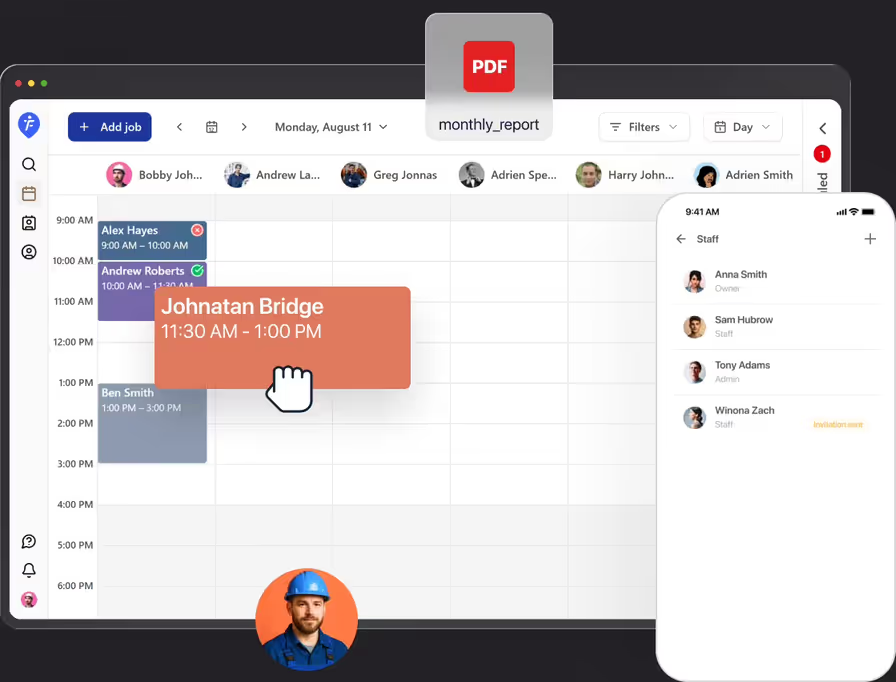
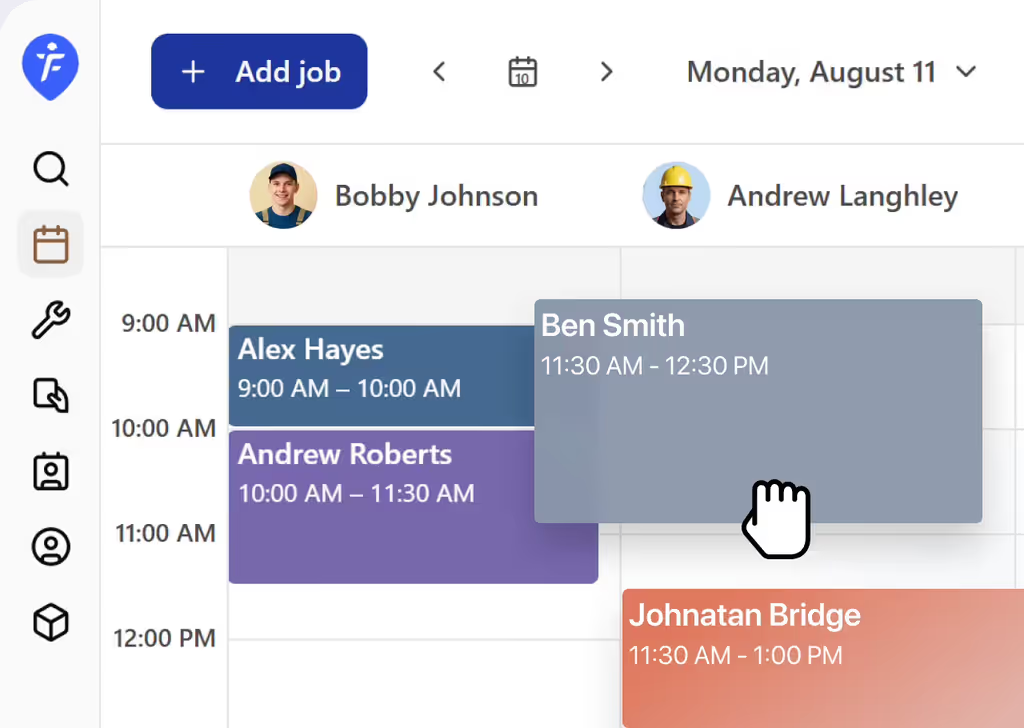
Keep your crew organized with simple dispatching
Dispatch jobs to the right team member in a few taps, without a group text chain or a phone call. Any change reaches your team instantly, so no one drives to a canceled job.
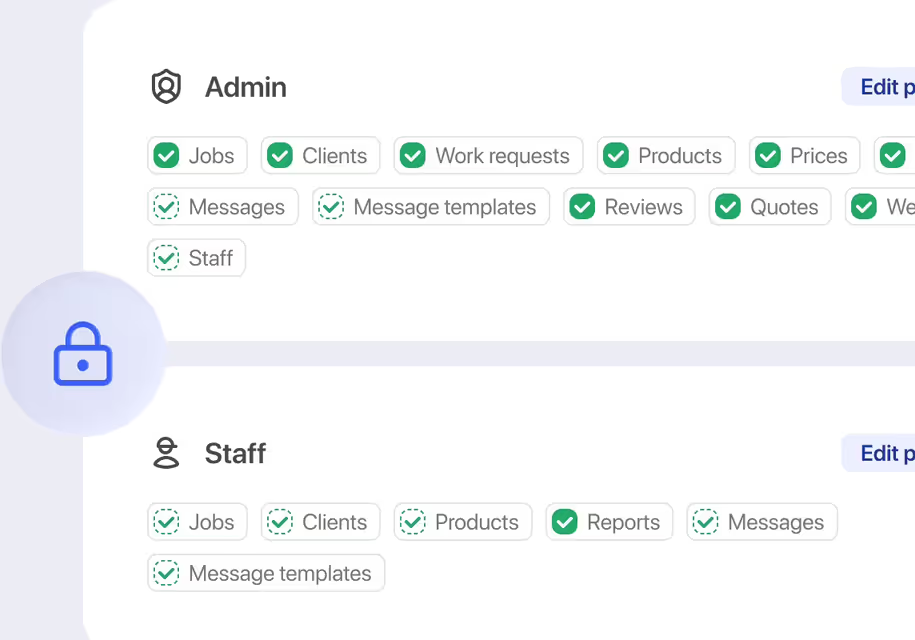
Custom roles and permissions
Not everyone needs to see everything. Choose what each team member can access.
Track time and revenue with simple reports
See how your team's time turns into results, without a separate reporting tool. Clear numbers, ready whenever you need them.
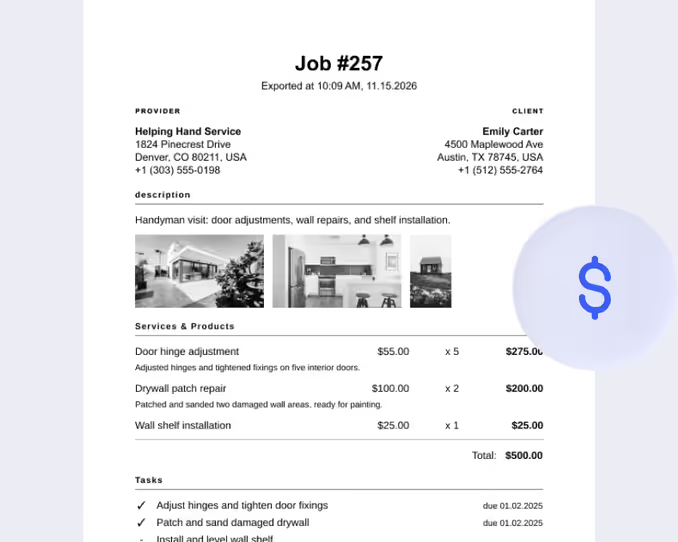
How would a plumbing business use the staff scheduling features
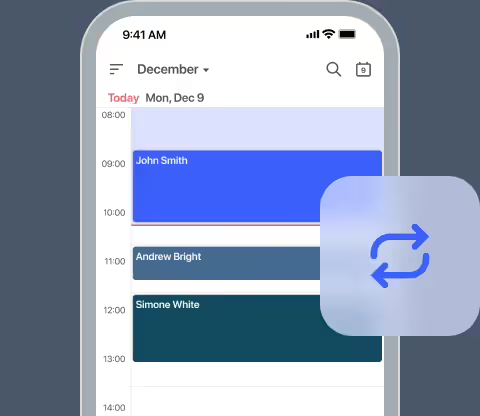
Review incoming jobs
A plumbing contractor reviews his daily schedule, which includes two routine calls and one incoming emergency leak repair.
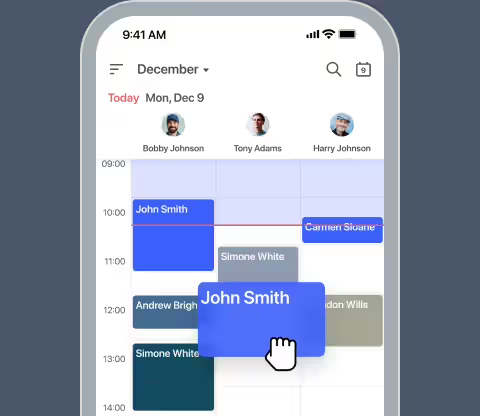
Dispatch nearby technicians
He assigns the routine jobs to one plumber and routes the emergency call to a second plumber who is currently closer to the location.
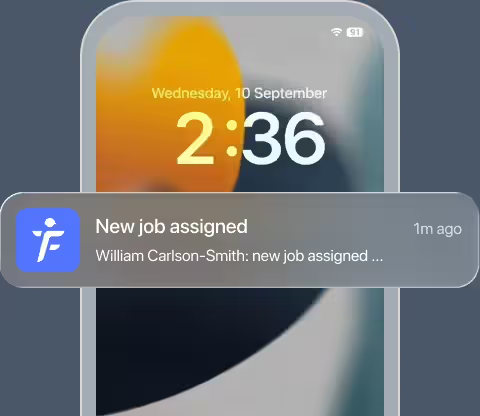
Push real-time updates
Both technicians receive instant schedule updates on their mobile devices without needing a group text or phone call.
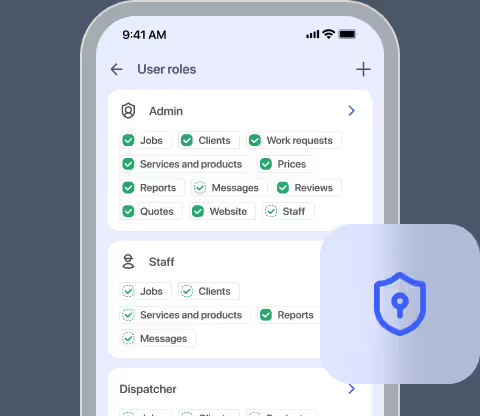
Manage user permissions
He sets access permissions so technicians view only their assigned jobs, while his office admin can see the entire weekly schedule.
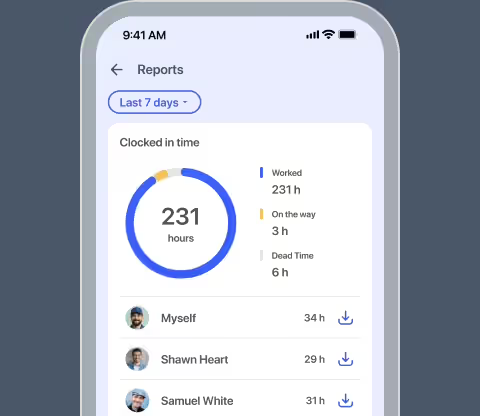
Review staff performance
At the end of the week, he checks simple reports to review logged hours and total revenue generated per technician.
Frequently asked questions
Once you have the Crews plan, you can invite team members by email. They get an email to activate their account.
By default, the Staff role can see and manage only their own schedule, while Staff Admins can see and manage the whole team's schedule. But this can be further customized to match the structure of your business.
Yes, depending on the permissions you set for their role. You can remove access to client details if needed.
No. Staff scheduling is part of the Crews plan, built for teams with employees.
The Crews plan supports unlimited staff members.
Yes. Each team member can log in and manage their schedule from their own device.
Related features

Automated text messages
Keep your schedule full. Automatically text client confirmations, reminders, and follow-ups using customizable templates built for your business.
Learn more →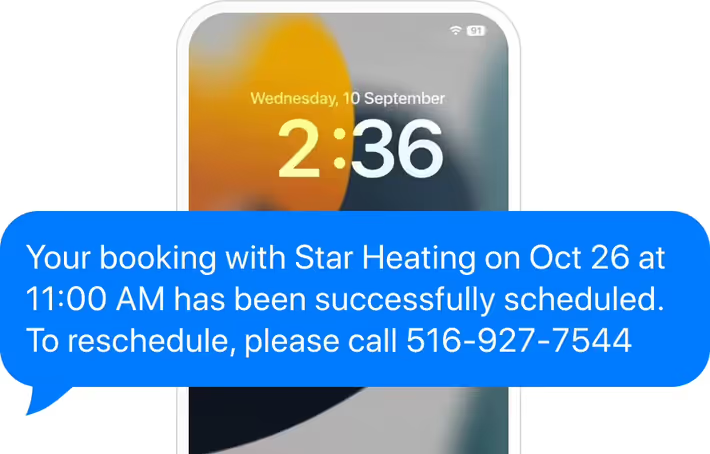

Client management
Ditch paper files. Store your complete client history safely online. View all client quotes, past jobs, notes, and photos in one clear timeline.
Learn more →