Field service payment processing allows tradespeople and mobile technicians to accept credit card, debit card, digital wallet, and online bank payments on site or remotely, connecting directly with invoices and job records.
Get paid faster on every service job
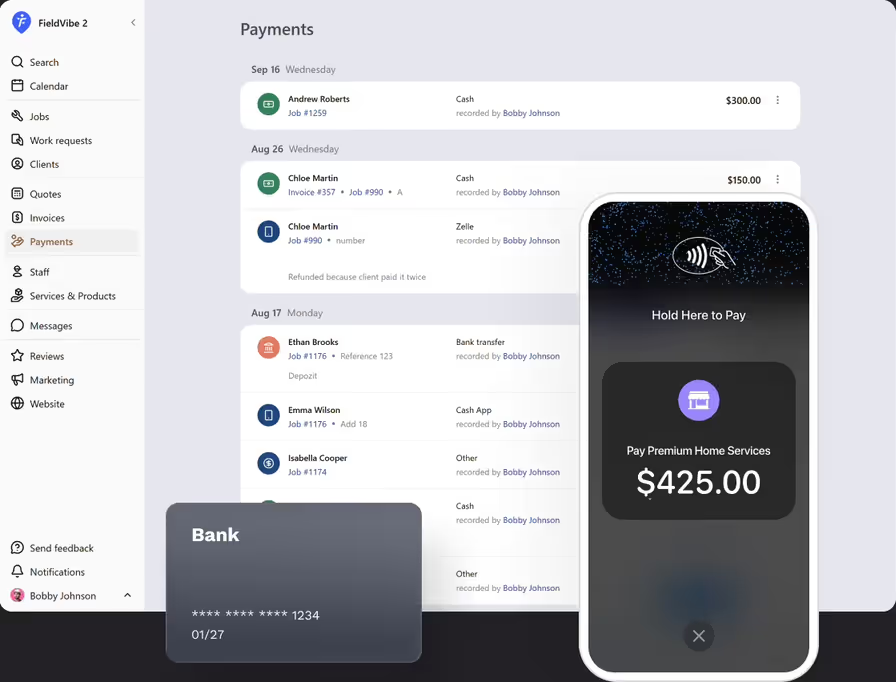
Give clients their preferred way to pay: online card payments, Apple Pay, Google Pay, direct ACH bank transfers, and in-person card payments right on your phone.
Get started - it's free
No sales calls, no mandatory demo, self-setup in 5 minutes
Trusted by thousands of service professionals
Rated 4.8 on the App Store (412 ratings) · 4.7 on Google Play (315 ratings)
'/%3e%3cpath%20id='Vector_2'%20d='M11.8964%205.51385L12.3824%204.67385C12.6823%204.14885%2013.3512%203.97185%2013.8762%204.27185C14.4011%204.57185%2014.5781%205.24085%2014.2781%205.76585L9.59571%2013.8718H12.9823C14.0802%2013.8718%2014.6951%2015.1618%2014.2181%2016.0558H4.28937C3.68345%2016.0558%203.19751%2015.5698%203.19751%2014.9638C3.19751%2014.3578%203.68345%2013.8718%204.28937%2013.8718H7.07303L10.6366%207.69485L9.52372%205.76285C9.22376%205.23785%209.40073%204.57485%209.92567%204.26885C10.4506%203.96885%2011.1135%204.14585%2011.4195%204.67085L11.8964%205.51385ZM7.68495%2017.1808L6.63508%2019.0018C6.33512%2019.5268%205.6662%2019.7038%205.14127%2019.4038C4.61633%2019.1038%204.43935%2018.4348%204.73932%2017.9098L5.51922%2016.5598C6.40111%2016.2868%207.11802%2016.4968%207.68495%2017.1808ZM16.7258%2013.8778H19.5665C20.1724%2013.8778%2020.6583%2014.3638%2020.6583%2014.9698C20.6583%2015.5758%2020.1724%2016.0618%2019.5665%2016.0618H17.9887L19.0535%2017.9098C19.3535%2018.4348%2019.1765%2019.0978%2018.6516%2019.4038C18.1266%2019.7038%2017.4637%2019.5268%2017.1578%2019.0018C15.364%2015.8908%2014.0172%2013.5628%2013.1233%2012.0118C12.2084%2010.4338%2012.8623%208.84985%2013.5072%208.31285C14.2241%209.54285%2015.295%2011.3998%2016.7258%2013.8778Z'%20fill='white'/%3e%3c/g%3e%3c/g%3e%3c/g%3e%3c/g%3e%3c/g%3e%3c/g%3e%3c/g%3e%3cdefs%3e%3clinearGradient%20id='paint0_linear_0_1'%20x1='12'%20y1='0'%20x2='12'%20y2='24'%20gradientUnits='userSpaceOnUse'%3e%3cstop%20stop-color='%2318BFFB'/%3e%3cstop%20offset='1'%20stop-color='%232072F3'/%3e%3c/linearGradient%3e%3c/defs%3e%3c/svg%3e)

If getting paid means waiting weeks for paper checks or carrying clunky card reader dongles that lose battery, your cash flow suffers. FieldVibe lets you accept payments on site or online so you can get paid the moment the work is done.
Send invoices with payment links
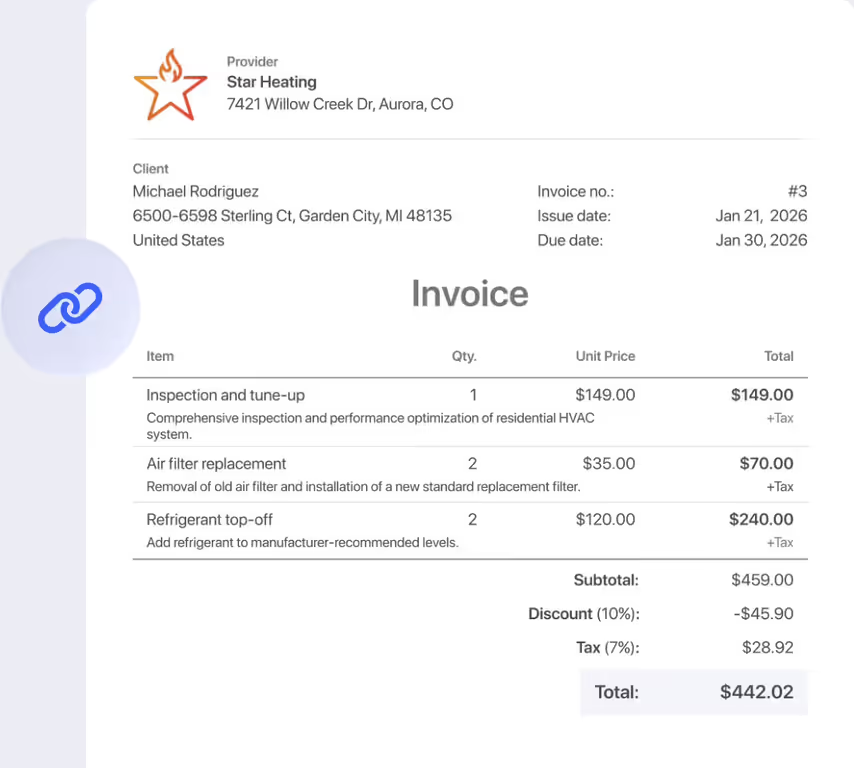
Text or email invoice links that let clients pay securely from their computer or mobile browser using credit cards, Apple Pay, Google Pay, or direct bank transfer.
Collect card payments on site with Tap to Pay on iPhone
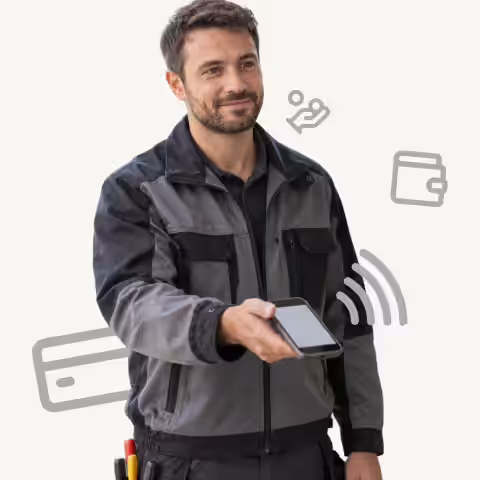
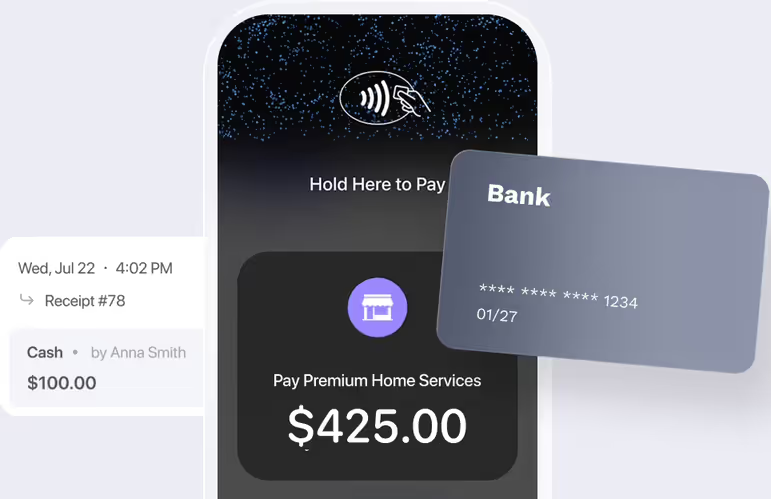
Accept contactless credit cards, debit cards, and Apple Pay directly on your iPhone. No card readers or Bluetooth dongles —just tap the card to your phone and get paid instantly.
Keep quotes, jobs, invoices, and payments synced
When a client pays online or on site, FieldVibe updates the job record instantly. Your revenue records stay accurate without typing in numbers by hand.
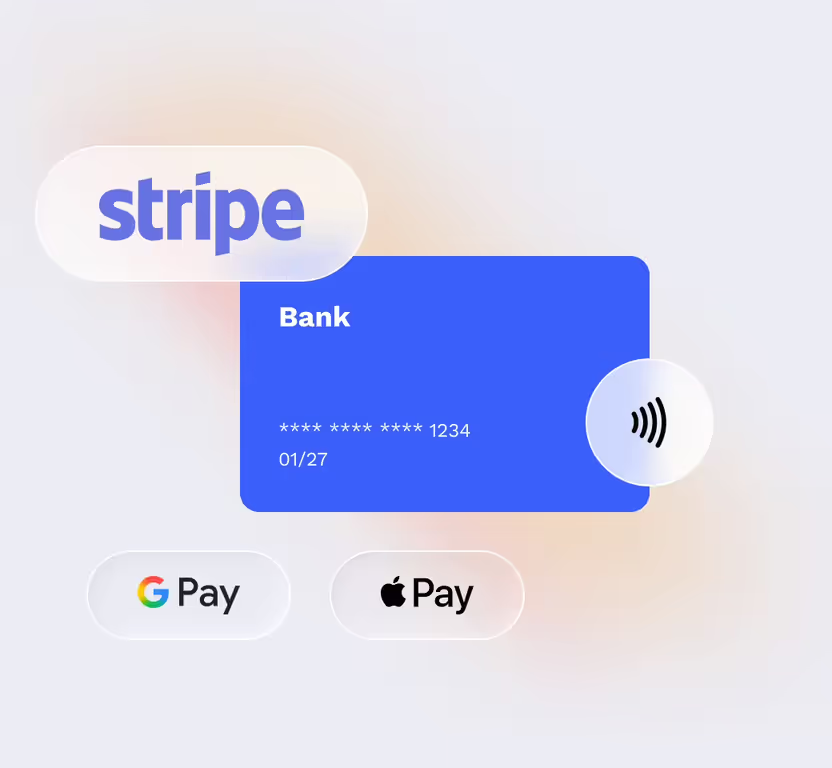
Powered by Stripe
Payment processing fees per transaction in USA & Canada:
- Online Cards
- 3.2% + $0.30
- Tap to Pay on iPhone
- 3.2% + $0.15
- ACH
- 0.3% + 0.8% (capped at $5)
How would an electrician use the payments feature
Complete service calls
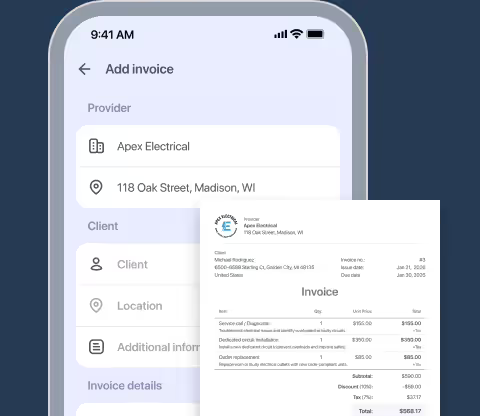
An electrician finishes replacing a circuit breaker panel and generates the final invoice on his iPhone.
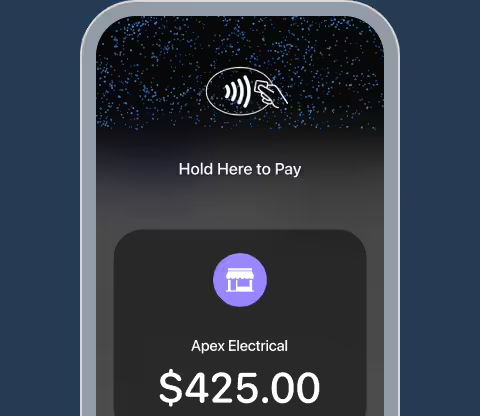
Select Tap to Pay on iPhone
The client asks to pay with a credit card, so he selects "Tap to Pay on iPhone" directly inside the FieldVibe app.
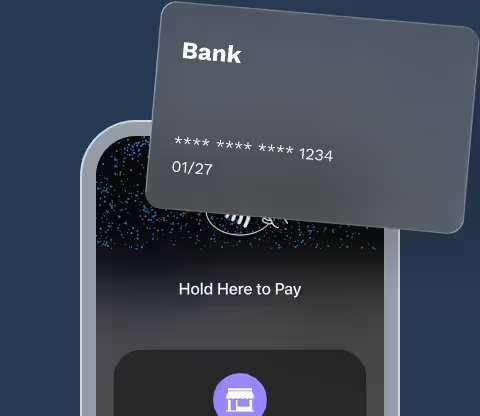
Accept contactless payment
The client taps her credit card against his iPhone screen—no external card reader or dongle required.
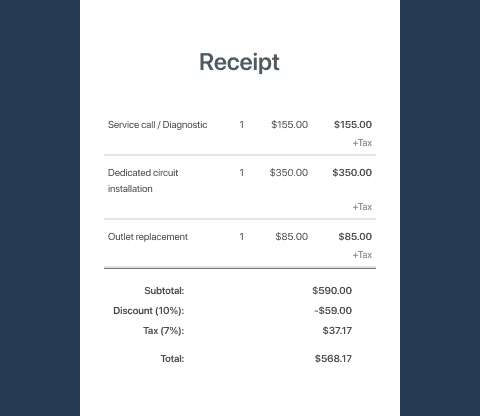
Send digital receipts
The payment processes instantly, FieldVibe marks the invoice as Paid, and a digital receipt is automatically texted to the client.
Frequently asked questions
No. With Tap to Pay on iPhone in FieldVibe, you can accept contactless credit cards, debit cards, and Apple Pay using only your iPhone. You don't need to purchase, charge, or carry external card readers or dongles.
Clients can pay on site using contactless credit/debit cards or Apple Pay. For online payment links sent with invoices, clients can pay using credit card, debit card, Apple Pay, Google Pay, or direct ACH bank transfer.
FieldVibe connects securely with Stripe. Stripe deposits the funds into your linked bank account according to its payout schedule.
Online payment features and Tap to Pay are available on the Solo Pro ($20/month) and Crews ($50/month) plans.
Yes. When you text an invoice link to a client, they tap the link to view the invoice details and complete payment in seconds on their phone's web browser—no app download required.
Yes. All payment processing is handled through Stripe's end-to-end encrypted payment infrastructure. The final fees (Stripe + FieldVibe) in US and Canada are:
- 3.2% + $0.30 for online payments
- 3.2% + $0.15 for Tap to Pay on iPhone
- 0.3% + 0.8% (capped at $5) for ACH bank transfers
Related features

Invoicing
Turn completed jobs or approved quotes into clean invoices, send them via text or email, and monitor unpaid bills.
Learn more →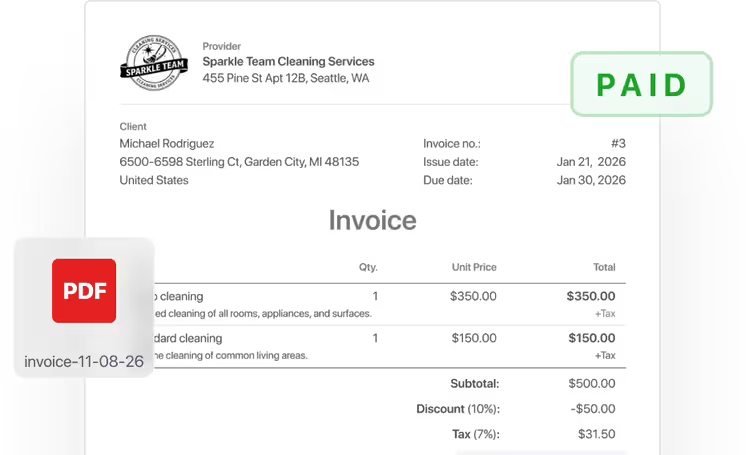

Work order management
Track jobs from quote to completion. Attach before/after photos, collect client signatures, track labor hours, and export clean job PDFs.
Learn more →