Work requests are online forms that let potential clients submit job details directly to a service business, at any hour of the day. Requests are captured automatically, cutting out double data entry and missed calls, and can be converted into a quote or scheduled job.
Let clients request work, 24/7
Give clients a simple way to reach you anytime, day or night. Get notified instantly, then turn requests into quotes or jobs in one tap.
Get started - it's free
No sales calls, no mandatory demo, self-setup in 5 minutes
Trusted by thousands of service professionals
Rated 4.8 on the App Store (412 ratings) · 4.7 on Google Play (315 ratings)
'/%3e%3cpath%20id='Vector_2'%20d='M11.8964%205.51385L12.3824%204.67385C12.6823%204.14885%2013.3512%203.97185%2013.8762%204.27185C14.4011%204.57185%2014.5781%205.24085%2014.2781%205.76585L9.59571%2013.8718H12.9823C14.0802%2013.8718%2014.6951%2015.1618%2014.2181%2016.0558H4.28937C3.68345%2016.0558%203.19751%2015.5698%203.19751%2014.9638C3.19751%2014.3578%203.68345%2013.8718%204.28937%2013.8718H7.07303L10.6366%207.69485L9.52372%205.76285C9.22376%205.23785%209.40073%204.57485%209.92567%204.26885C10.4506%203.96885%2011.1135%204.14585%2011.4195%204.67085L11.8964%205.51385ZM7.68495%2017.1808L6.63508%2019.0018C6.33512%2019.5268%205.6662%2019.7038%205.14127%2019.4038C4.61633%2019.1038%204.43935%2018.4348%204.73932%2017.9098L5.51922%2016.5598C6.40111%2016.2868%207.11802%2016.4968%207.68495%2017.1808ZM16.7258%2013.8778H19.5665C20.1724%2013.8778%2020.6583%2014.3638%2020.6583%2014.9698C20.6583%2015.5758%2020.1724%2016.0618%2019.5665%2016.0618H17.9887L19.0535%2017.9098C19.3535%2018.4348%2019.1765%2019.0978%2018.6516%2019.4038C18.1266%2019.7038%2017.4637%2019.5268%2017.1578%2019.0018C15.364%2015.8908%2014.0172%2013.5628%2013.1233%2012.0118C12.2084%2010.4338%2012.8623%208.84985%2013.5072%208.31285C14.2241%209.54285%2015.295%2011.3998%2016.7258%2013.8778Z'%20fill='white'/%3e%3c/g%3e%3c/g%3e%3c/g%3e%3c/g%3e%3c/g%3e%3c/g%3e%3c/g%3e%3cdefs%3e%3clinearGradient%20id='paint0_linear_0_1'%20x1='12'%20y1='0'%20x2='12'%20y2='24'%20gradientUnits='userSpaceOnUse'%3e%3cstop%20stop-color='%2318BFFB'/%3e%3cstop%20offset='1'%20stop-color='%232072F3'/%3e%3c/linearGradient%3e%3c/defs%3e%3c/svg%3e)


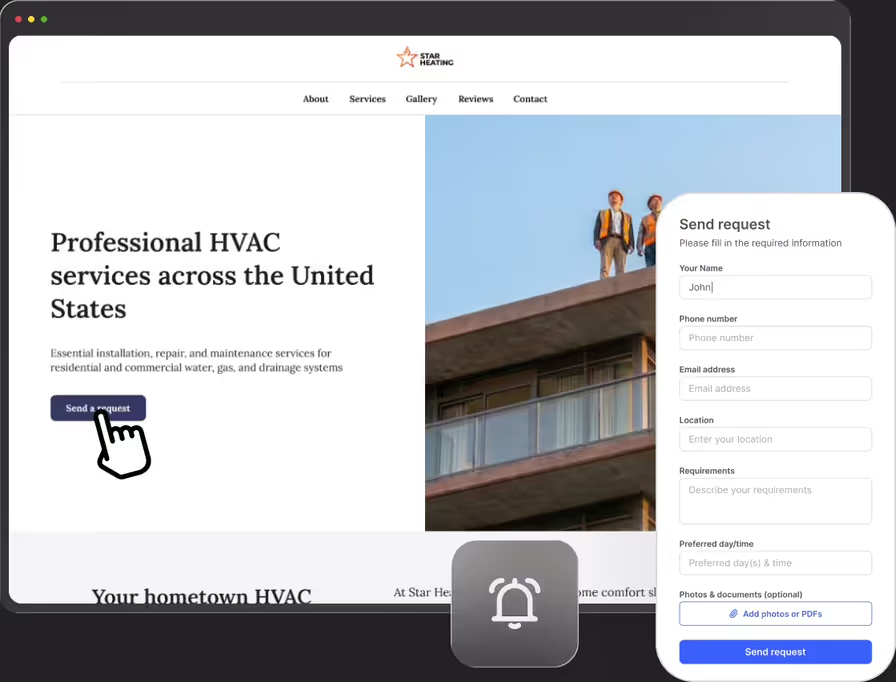
If clients can only reach you by phone, every missed call is a lead lost to someone who picked up. FieldVibe gives clients a way to submit job requests 24/7, so no lead falls through simply because you were busy on another job.
Never miss a lead
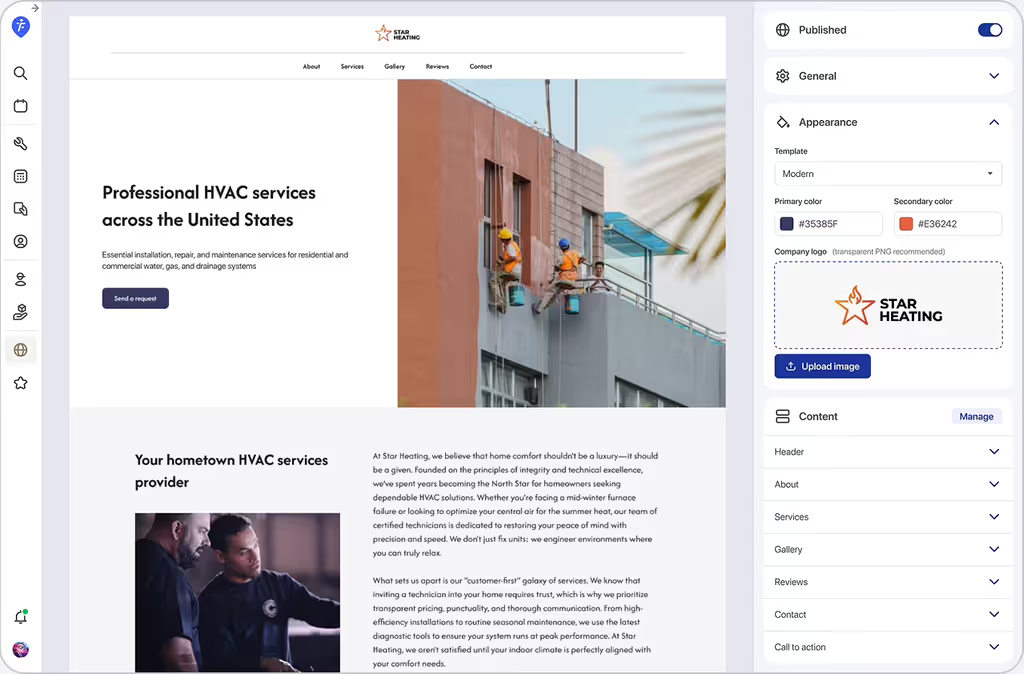
It all starts with your free business website: every site comes with a built-in work request form, so clients can reach you around the clock, not just when you're free to pick up the phone.
Get notified instantly
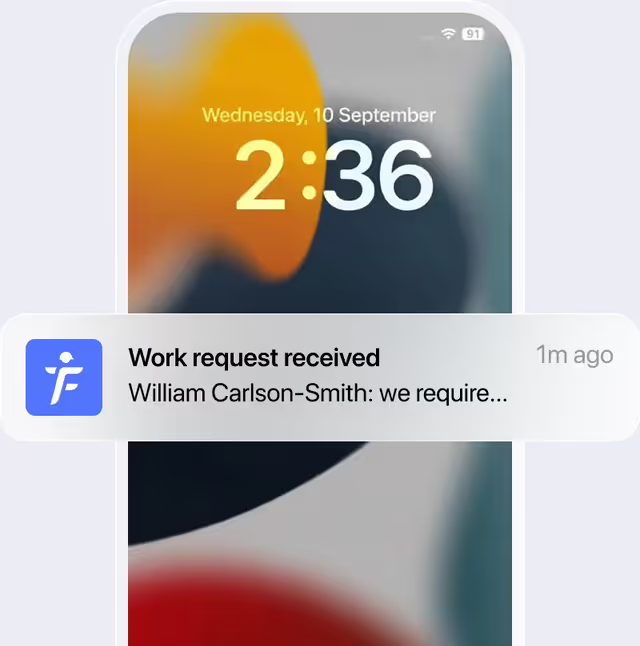
Get alerted the moment a new lead comes in so you can respond faster than the competition.
No more double entries with one-tap conversions
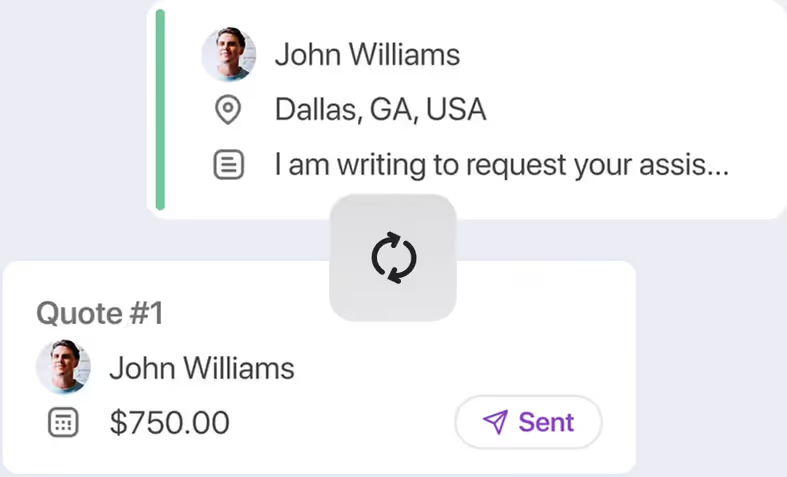
Review incoming requests and turn them into quotes or scheduled visits with a single tap. Less admin work, fewer mistakes.
How would a cleaning business use the work requests feature
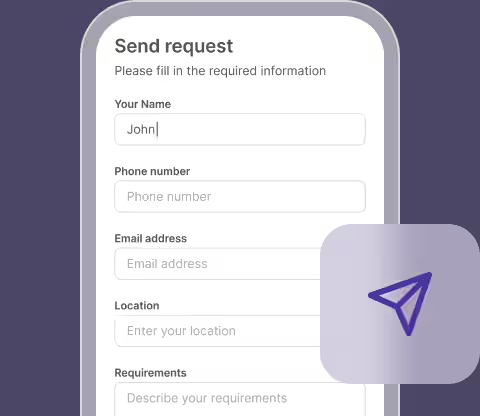
Capture leads while on job sites
While the owner of a house cleaning business is busy working, two prospective clients submit work requests through her website form.
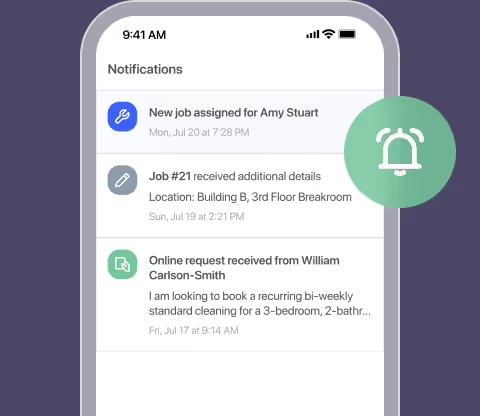
Review incoming lead notifications
Between appointments, she opens her FieldVibe notifications to view the details, contact info, and requested dates for both leads.
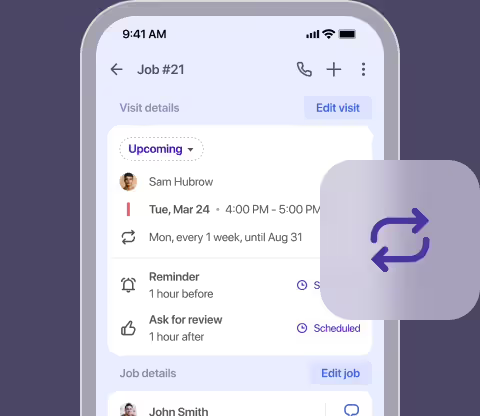
Convert known jobs in one tap
Recognizing a returning client's standard home layout, she converts the work request directly into a scheduled job with one tap.
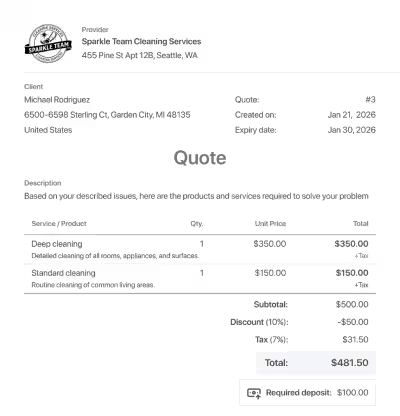
Flag complex jobs for follow-up
Seeing a request for a large move-in deep clean, she flags it to send a customized quote after reviewing the property details.
Frequently asked questions
Clients can access your work request form directly through your free FieldVibe business website.
Yes. Work requests and your built-in business website are included in FieldVibe's Solo plan, which is free forever for solo service operators.
Yes. You're notified instantly so you can respond quickly.
Yes. You choose which requests to accept, quote, or turn down.
No. You can disable the other website sections and just have the work request form.
Yes, because the client types in their own contact information, address, and job requirements.
Related features

Work order management
Handle every job from quote to completion. Log tasks, save before/after photos, get signatures, track total revenue, and download clean PDFs.
Learn more →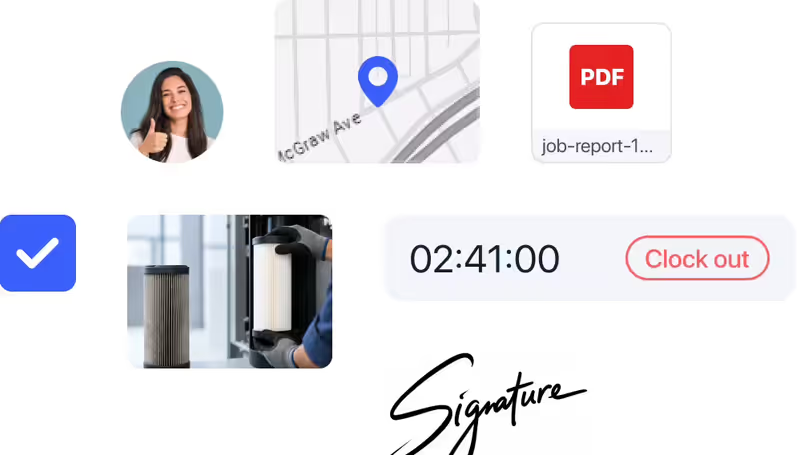

Job quoting
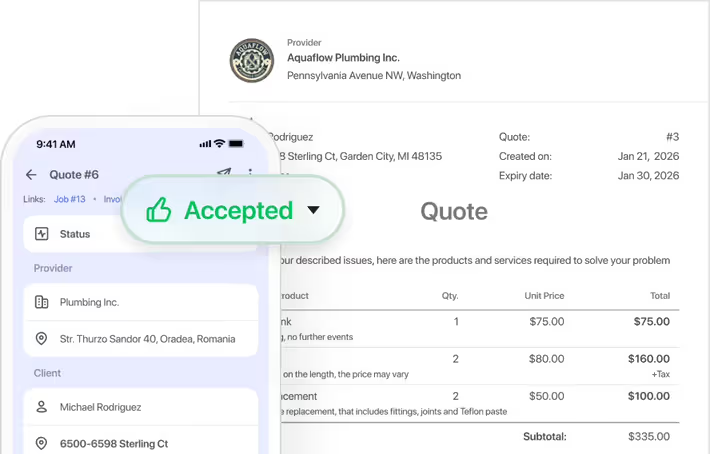
Estimate jobs in seconds. Send professional quotes with taxes and deposits, receive real-time approval alerts, and schedule the work in a tap.
Learn more →