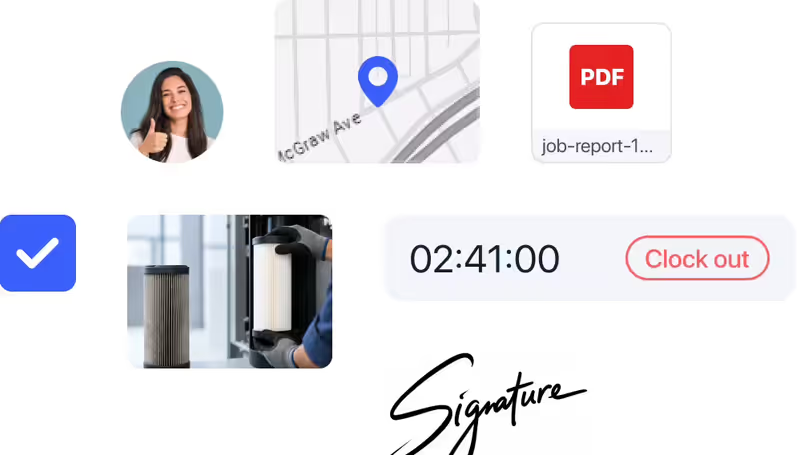
Review management software helps businesses request, collect, and share client feedback after a job is completed. It turns satisfied clients into public ratings and testimonials, which build trust with new clients searching for a reliable service provider.
Make it easy for happy clients to leave reviews
Ask for reviews the moment a job is done. Collect reviews and feedback, then share your best wins on social media to attract new business.
Get started - it's free
No sales calls, no mandatory demo, self-setup in 5 minutes
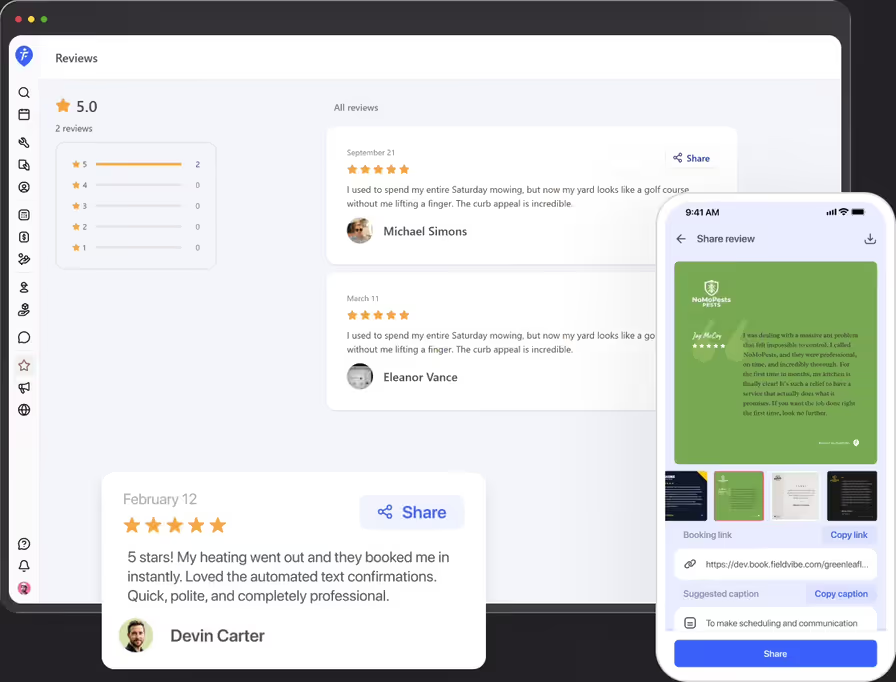
Trusted by thousands of service professionals
Rated 4.8 on the App Store (412 ratings) · 4.7 on Google Play (315 ratings)
'/%3e%3cpath%20id='Vector_2'%20d='M11.8964%205.51385L12.3824%204.67385C12.6823%204.14885%2013.3512%203.97185%2013.8762%204.27185C14.4011%204.57185%2014.5781%205.24085%2014.2781%205.76585L9.59571%2013.8718H12.9823C14.0802%2013.8718%2014.6951%2015.1618%2014.2181%2016.0558H4.28937C3.68345%2016.0558%203.19751%2015.5698%203.19751%2014.9638C3.19751%2014.3578%203.68345%2013.8718%204.28937%2013.8718H7.07303L10.6366%207.69485L9.52372%205.76285C9.22376%205.23785%209.40073%204.57485%209.92567%204.26885C10.4506%203.96885%2011.1135%204.14585%2011.4195%204.67085L11.8964%205.51385ZM7.68495%2017.1808L6.63508%2019.0018C6.33512%2019.5268%205.6662%2019.7038%205.14127%2019.4038C4.61633%2019.1038%204.43935%2018.4348%204.73932%2017.9098L5.51922%2016.5598C6.40111%2016.2868%207.11802%2016.4968%207.68495%2017.1808ZM16.7258%2013.8778H19.5665C20.1724%2013.8778%2020.6583%2014.3638%2020.6583%2014.9698C20.6583%2015.5758%2020.1724%2016.0618%2019.5665%2016.0618H17.9887L19.0535%2017.9098C19.3535%2018.4348%2019.1765%2019.0978%2018.6516%2019.4038C18.1266%2019.7038%2017.4637%2019.5268%2017.1578%2019.0018C15.364%2015.8908%2014.0172%2013.5628%2013.1233%2012.0118C12.2084%2010.4338%2012.8623%208.84985%2013.5072%208.31285C14.2241%209.54285%2015.295%2011.3998%2016.7258%2013.8778Z'%20fill='white'/%3e%3c/g%3e%3c/g%3e%3c/g%3e%3c/g%3e%3c/g%3e%3c/g%3e%3c/g%3e%3cdefs%3e%3clinearGradient%20id='paint0_linear_0_1'%20x1='12'%20y1='0'%20x2='12'%20y2='24'%20gradientUnits='userSpaceOnUse'%3e%3cstop%20stop-color='%2318BFFB'/%3e%3cstop%20offset='1'%20stop-color='%232072F3'/%3e%3c/linearGradient%3e%3c/defs%3e%3c/svg%3e)


Most happy clients want to leave a review — they just forget. FieldVibe asks them for you, right after the job, while satisfaction is still fresh.
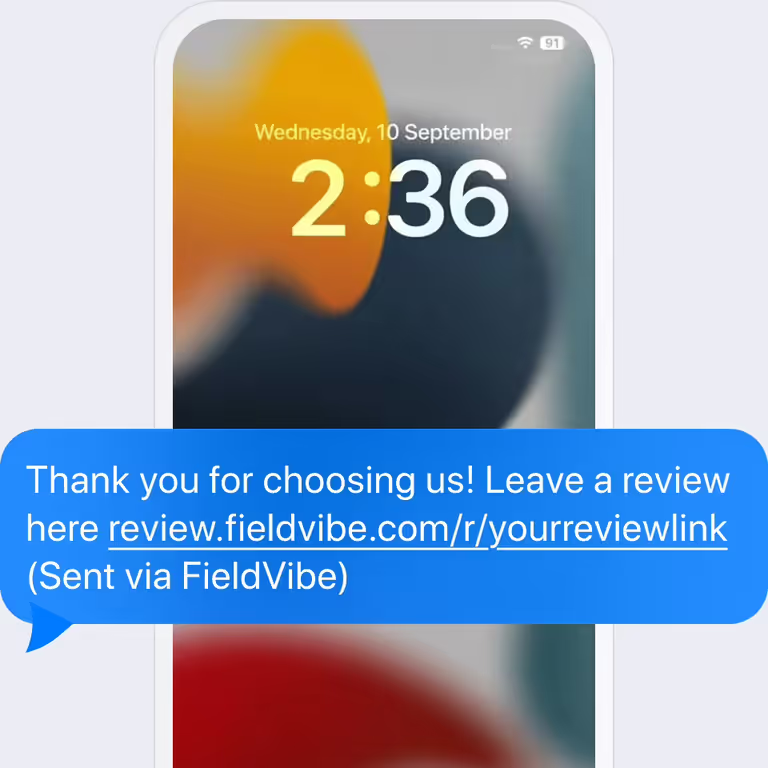
Send review requests after a completed job
Send clients a text message with a link where they can leave a 1-to-5 star rating and a written review—no account creation, app downloads, or logins required.
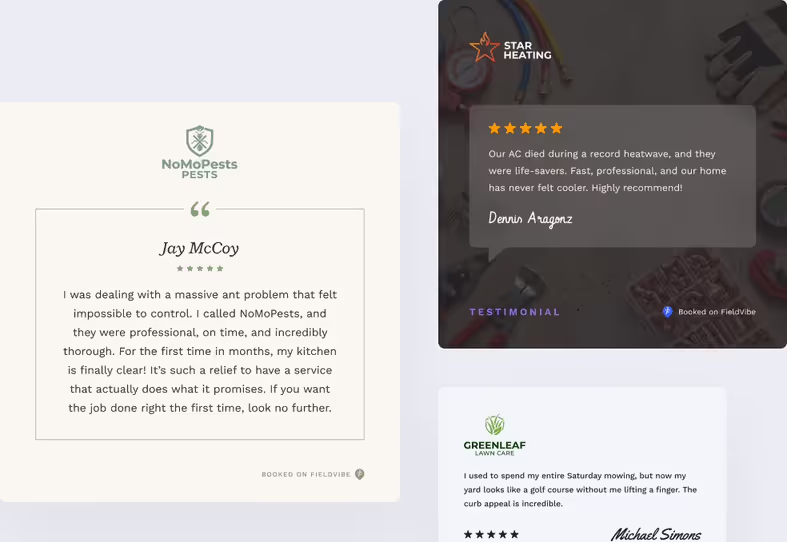
Share your best reviews on social media
Choose from professional templates that turn your reviews into high-quality images. Share your wins to attract new followers and build local authority.
Build trust for free with your past jobs
New clients see proof you're reliable before they even reach out.

How would an electrician use the review management features
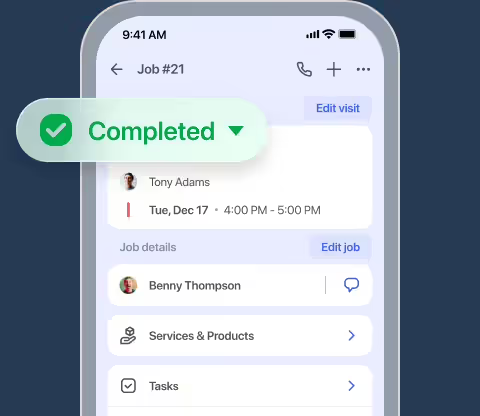
Complete the job
An electrician finishes a residential re-wiring job in the late afternoon and marks the visit complete.
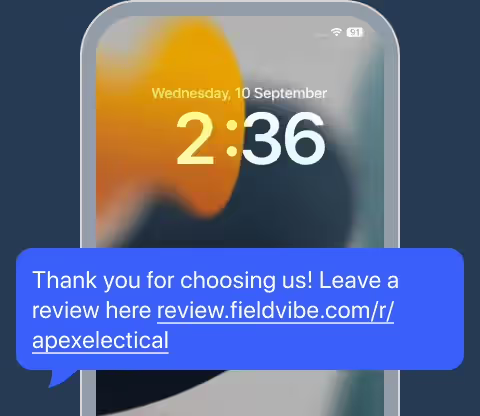
Deliver automated text requests
FieldVibe automatically sends a text message to the homeowner containing a direct review link.
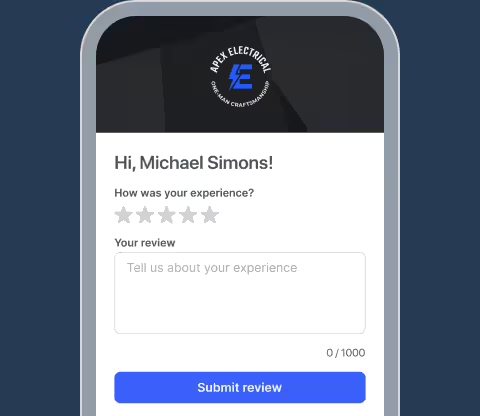
Collect ratings and written feedback
The happy client opens the link on her phone and submits a 5-star rating alongside a positive review.
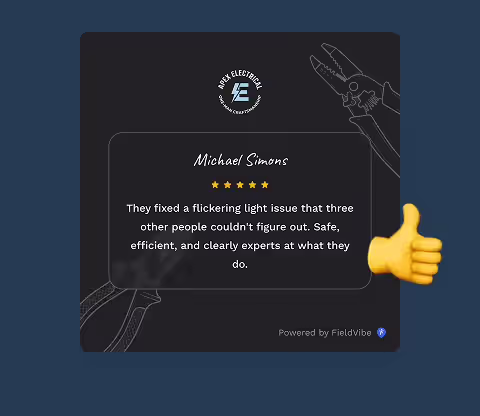
Turn reviews into social content
The electrician opens FieldVibe, applies a visual template to the review, and posts it to his Facebook business page to build local authority.
Frequently asked questions
Online reviews are an important source of social proof for local homeowners. Collecting more positive reviews can help build trust with potential clients researching your business.
FieldVibe features a built-in review management tool that allows you to send polite text messages to your clients immediately after finishing a job, asking for their direct feedback and ratings.
Yes. You decide for which jobs a review request is sent.
No. Your clients do not need to install anything at all. The review request link arrives as a standard SMS text message to their phone.
Yes. Review management is included in FieldVibe's free-forever Solo plan. Sending the request text message manually is free, while sending it automatically requires the Solo Pro paid plan.
FieldVibe allows you to use built-in image templates to share your best reviews. In addition, the iOS mobile app has built-in smart AI that helps you with text generation for faster content creation.
Related features

Business website
Launch a free, mobile-friendly business website in minutes with zero tech skills. Showcase your services, photos, and client reviews.
Learn more →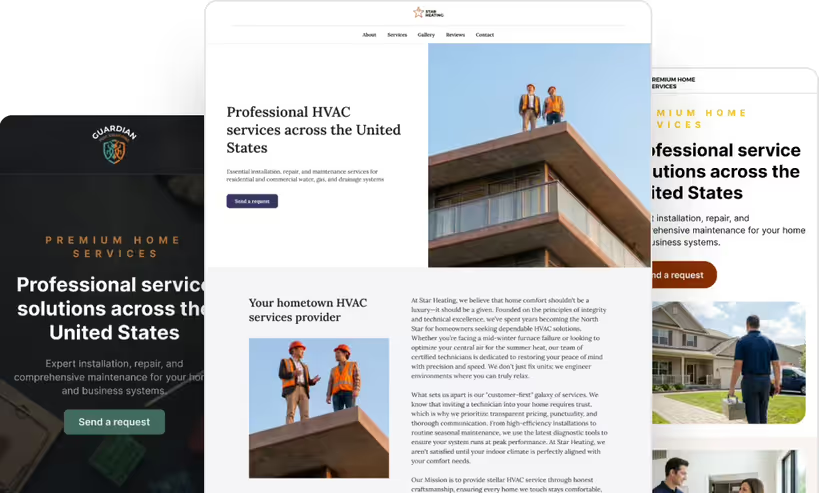

Work order management
Job management made simple. Turn quotes into visits, track project photos and signatures, view revenue, and export jobs directly to PDF.
Learn more →