November 13, 2026
Free Field Service Software: Free Plans Compared
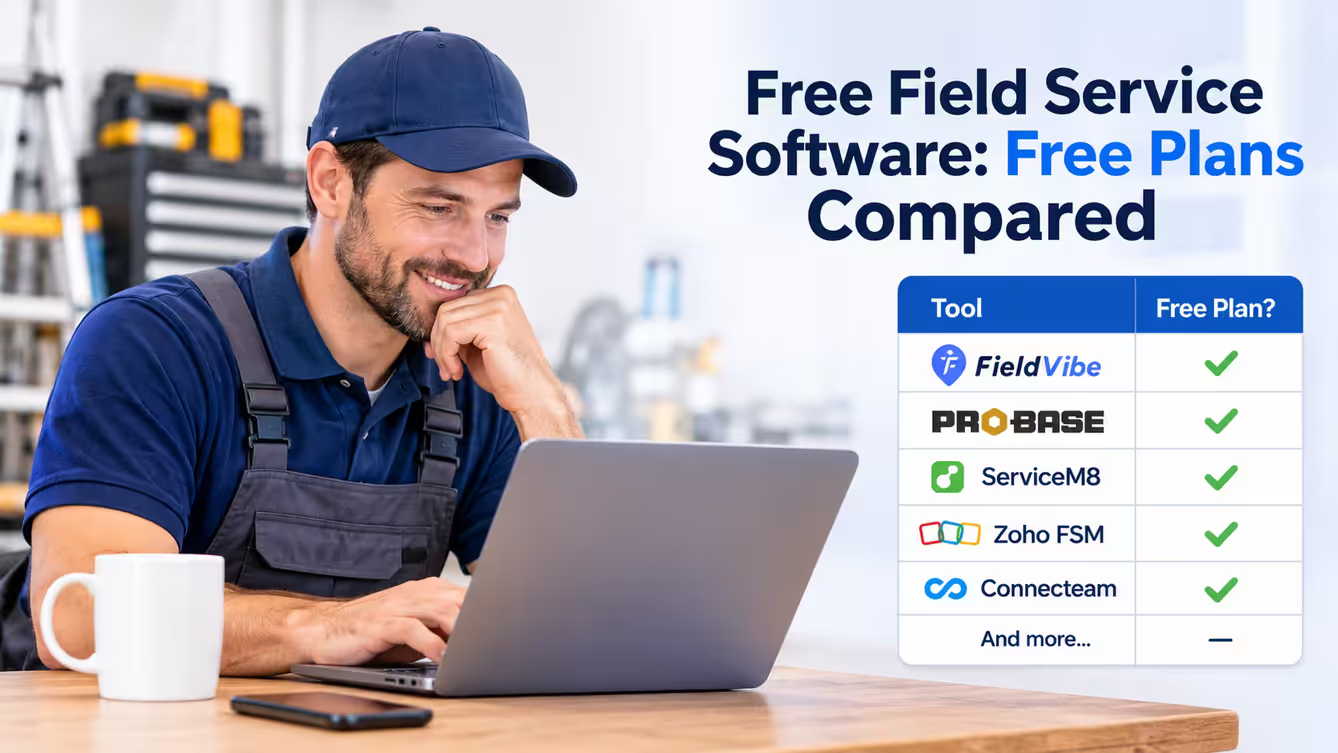
Yes, there is free field service software, but "free" means very different things. Some tools are free with a cap on jobs or appointments. Some are free only for certain trades. Some are free trials that end after 7 to 30 days. And some are free for a team but aren't built to manage client jobs.
If you're a solo pro or a small team, the question isn't just "is it free?" It's "what can I actually do on the free plan, and when will I have to pay?"
This guide compares free plans from different field service software providers, explains their limitations, and looks at what small service businesses should consider before choosing an app.
Disclosure: This guide is published by FieldVibe, and FieldVibe is one of the tools compared. Competitor facts come from each vendor's own website and were checked on the dates shown. We also reviewed discussions among service business owners on Reddit to understand some of the practical problems people encounter when managing their work. Reddit comments are individual experiences, not a representative survey. Prices and plans change, so confirm details before signing up.
Free field service software at a glance
| Software | Free plan | Users on the free plan | Job or appointment limit | What you pay for |
|---|---|---|---|---|
| FieldVibe | Yes, free forever | 1 | Unlimited jobs and clients | Quotes, invoices, payments and automated reminders start at $20/month |
| ProBase | Yes, for lawn care, landscaping, pool service and snow removal | Team access; no cap stated | No customer cap; no job cap stated | Nothing for the software; payment processing fees apply |
| ServiceM8 | Yes | 1 | 30 jobs a month | Starter is $29/month for 50 jobs a month |
| Zoho FSM | Yes | Up to 20 | 30 appointments and 30 invoices a month | Paid editions for more |
| Connecteam | Yes, for small businesses | Up to 10 | Not stated | Primarily employee management, rather than client-job management |
| Orcatec | Says it has a free version | Not stated | Not stated | Not published |
Checked on vendor websites on November 12, 2026
FieldVibe: free forever for one person
FieldVibe's Solo plan is free forever for one user, with unlimited jobs and clients. It's built for solo pros in trades like cleaning, lawn care, handyman, HVAC and plumbing.
On the free plan, you can:
- Schedule jobs and recurring visits from your phone.
- Send appointment reminders so customers don't forget (tap-to-send, not automated).
- Keep client history and notes.
- Get a free business website where clients can send you work requests.
- Keep a price book of your services.
- Collect client reviews and share them on social media.
Not on the free plan: quotes, invoices and payments. Those start on Solo Pro at $20/month ($180/year), which also adds automated reminders (400 a month in the US and Canada), multiple devices, and time tracking and reports. For a team, Crews is $50/month ($450/year) for unlimited users.
Good to know: FieldVibe doesn't include route optimization, GPS tracking, inventory or integrations with other software. Offline mode is read-only.
Best fit: A solo pro in any trade who wants to organize their schedule, manage unlimited jobs and clients, collect reviews and have a business website without paying a monthly software subscription.
ProBase: free for lawn care, pool service and snow removal
ProBase describes itself as "free forever. No trial. No credit card." It has one plan with everything included: scheduling, route optimization, invoicing, online payments, tipping, estimates, customer records and reviews, plus team access for crew members. Its website doesn't state a cap on customers, jobs or users.
The catch is the trades it covers: lawn care and landscaping, pool service and snow removal. If you clean houses, fix things, or work in HVAC, plumbing or electrical, it isn't built for you.
How it stays free: ProBase says it's free because of optional marketplace partnerships, starting with LawnStarter, Lawn Love and Home Gnome. ProBase earns a percentage of jobs taken through those partners, and pros are never required to take them. Online payments are charged at what ProBase calls "standard processing rates."
Best fit: A lawn care, landscaping, pool or snow removal pro who wants free routing and invoicing, and who may want to pick up marketplace jobs.
ServiceM8: free for up to 30 jobs a month
ServiceM8 has a free plan for one user, which it describes as a "free plan for sole proprietors." It includes 30 jobs a month. ServiceM8 says free plan users can earn bonus jobs by accepting card payments.
Paid plans are priced by jobs per month, not by user: Starter is $29/month for 50 jobs a month, and paid plans have no user cap.
Best fit: A solo tradesperson who books fewer than 30 jobs a month, or who expects to move to a job-based paid plan.
Zoho FSM: free edition with monthly limits
Zoho FSM's free edition allows up to 30 appointments and 30 invoices a month, and up to 20 users, according to Zoho's pricing page and help center. For more, Zoho offers paid editions.
Best fit: A business that already uses other Zoho products and has a low monthly job count.
Connecteam: free for small teams, built for employee management
Connecteam's Small Business Plan is free for up to 10 users (Connecteam counts active and archived users). Connecteam calls itself "the employee management app": its free plan covers time clocking, scheduling, forms, chat and team communication.
Its page doesn't describe quotes or invoices for client jobs.
Best fit: A small team that mainly needs to manage staff hours and communication, rather than client jobs, quotes and invoices.
Orcatec: says it has a free version
Orcatec's website says it offers a "free version" and a "free starter package." The page we checked doesn't list the limits or the paid prices, so ask Orcatec what the free version includes before you rely on it.
Free trial, not a free plan
These popular tools offer a free trial instead of a free plan. After the trial, you pay to keep using them.
| Software | Trial | Entry price | Source and date |
|---|---|---|---|
| Jobber | 14 days | Core: $49/month for 1 user | Jobber's pricing page, Oct 1, 2026 |
| Housecall Pro | 14 days | Basic: $79/month for 1 user | Housecall Pro's pricing page, Oct 1, 2026 |
| Workiz | 7 days | Pricing by request | Workiz website, Oct 1, 2026 |
| Kickserv | 30 days | Start: $60/month for up to 5 users | Kickserv's pricing page, Nov 12, 2026 |
A free trial is a good way to test a tool, but plan for the cost. If you're just starting out, a free plan lets you run your business for months without a bill.
What should you look for in a free field service app?
Two discussions on Reddit show practical problems small service businesses can run into: keeping recurring appointments organized and managing everyday work across separate apps.
In a November 11, 2024 discussion in r/housekeeping, a cleaning business owner asked for an app that could handle recurring clients. One commenter shared how they managed repeat appointments:
"I use google calender and it works pretty well. You can set recurring dates for any time, and use different colors to denote different people, places or tasks."
Read the discussion on Reddit.
In a September 16, 2024 discussion in r/handyman, a commenter described using separate tools for appointments and billing:
"Google calendar for appointments/jobs. Square for invoices and tracking money."
Read the discussion on Reddit.
These are individual comments, not a representative survey. They do, however, illustrate why it's worth checking whether a free field service app can handle more of your daily work in one place.
When comparing free field service management software, consider these six things:
1. Job scheduling and recurring appointments
Look for a job scheduling app that makes it easy to book appointments, reschedule visits and manage recurring work. If you run a lawn care or cleaning business, you shouldn't have to recreate every weekly or biweekly appointment from scratch.
For example, a lawn care pro should be able to organize weekly mowing visits and adjust a customer's next appointment when rain delays the schedule. Check whether recurring visits remain organized when you change one appointment.
2. Customer records and job history
You need more than a phone number. Look for a place to keep customer details, property notes, job history, photos and special instructions.
A handyman visiting a returning customer should be able to check previous job notes and photos without searching through old text messages. A cleaner should be able to find access instructions, customer preferences and product notes before arriving.
3. Estimates, invoices and payments
Check whether the free plan lets you create quotes, send invoices and accept payments. Some free apps include scheduling but charge extra for billing features.
If you regularly quote jobs before starting work, this can make a big difference. For example, a cleaning business might need to send a quote for a first-time deep clean before scheduling recurring visits. Check which parts of that process are included for free and what requires an upgrade.
4. Appointment reminders and customer communication
Look for appointment reminders that help customers remember scheduled visits. Check whether reminders are automated or whether you have to send them yourself, and whether the plan limits how many you can send.
A reminder sent before a cleaning appointment or lawn service visit can help prevent forgotten appointments and unnecessary trips. Also consider how easy it is to tell customers about a reschedule or weather delay.
5. An easy-to-use mobile app
You work at customer properties, not behind a desk. Your field service software should make it easy to check your schedule, find customer information and update jobs from your phone.
Try booking a job, checking a customer record and changing an appointment. If basic tasks take too many steps, you probably won't enjoy using the app every day. Complicated setup and features you'll never use can make even a free app frustrating.
6. Pricing and limits as your business grows
A free plan might work while you're building your client list, but check what happens when you need more jobs, additional users, automated reminders or invoicing.
Look for clear upgrade prices. If you're planning to hire employees, check whether you'll pay per user or one flat monthly price for your whole crew. Also check whether the free plan has monthly job limits that could become a problem as your schedule fills up.
The best free field service software isn't necessarily the one with the longest feature list. It's the one that handles the daily work your business actually needs, without making you pay for features you don't use.
When is it time to pay for field service software?
A free plan can be enough while you're building your client list and organizing your daily schedule. You may want to upgrade when you need to:
- Send professional quotes and invoices.
- Accept online or on-site payments.
- Have appointment reminders sent automatically.
- Use the app on more than one device.
- Add employees and assign jobs to your team.
- Track time and review business performance.
With FieldVibe, that's Solo Pro at $20/month ($180/year) for one person, or Crews at $50/month ($450/year) for your whole team, regardless of the number of employees.
You can compare FieldVibe's plans.
Frequently asked questions
Is there completely free field service software?
Yes. FieldVibe's Solo plan is free forever for one user in any trade, with unlimited jobs and clients. ProBase is free with all features for lawn care, landscaping, pool service and snow removal. ServiceM8 and Zoho FSM also have free plans, with monthly limits: 30 jobs a month on ServiceM8, and 30 appointments and 30 invoices a month on Zoho FSM (checked November 12 and 13, 2026).
What features should a free field service app have?
Look for job scheduling, recurring appointments, customer records, job history and appointment reminders. Depending on your business, you may also need quotes, invoices and payment processing. Check which features are actually included in the free plan rather than assuming every advertised feature is free.
Does Jobber have a free plan?
No. Jobber offers a 14-day free trial. Its Core plan is $49/month for one user (October 1, 2026). See our guide to Jobber alternatives for solo pros and small teams.
Does Housecall Pro have a free plan?
No. Housecall Pro offers a 14-day free trial. Its Basic plan is $79/month for one user (October 1, 2026).
What's the catch with free field service software?
Usually a limit: on jobs or appointments a month, on users, or on features like quotes, invoices and payments. Some tools are also free only for specific trades.
Read what the free plan includes before you start, so you don't have to move your clients to another app later.
Can I use free field service software with a team?
Some free plans allow more than one user: Zoho FSM up to 20 and Connecteam up to 10, and ProBase offers team access without a stated cap (for its supported trades).
FieldVibe's free plan is for one user. For a team, FieldVibe's Crews plan is $50/month with no limit on users.
Is there free lawn care software?
Yes. FieldVibe's free plan works for lawn care: schedule weekly or biweekly mowing, send reminders and keep client notes, with unlimited jobs and clients.
ProBase is also free and is built for lawn care, landscaping, pool service and snow removal. It includes routing and invoicing, and it's funded by optional marketplace jobs.
What's the difference between a free plan and a free trial?
A free plan has no end date: you can keep using it as long as you stay within its limits. A free trial lets you use the full product for a set time, usually 7 to 30 days, and then you pay.
Start free
If you're a solo pro, you can start FieldVibe's free plan today.
Get unlimited jobs and clients, a business website, appointment reminders, recurring scheduling and client reviews, without paying a monthly software subscription or entering credit card details.
When you're ready for quotes, invoices and payments, upgrade to Solo Pro.