November 13, 2026
Spreadsheets and Calendar Apps vs FieldVibe: When to Switch
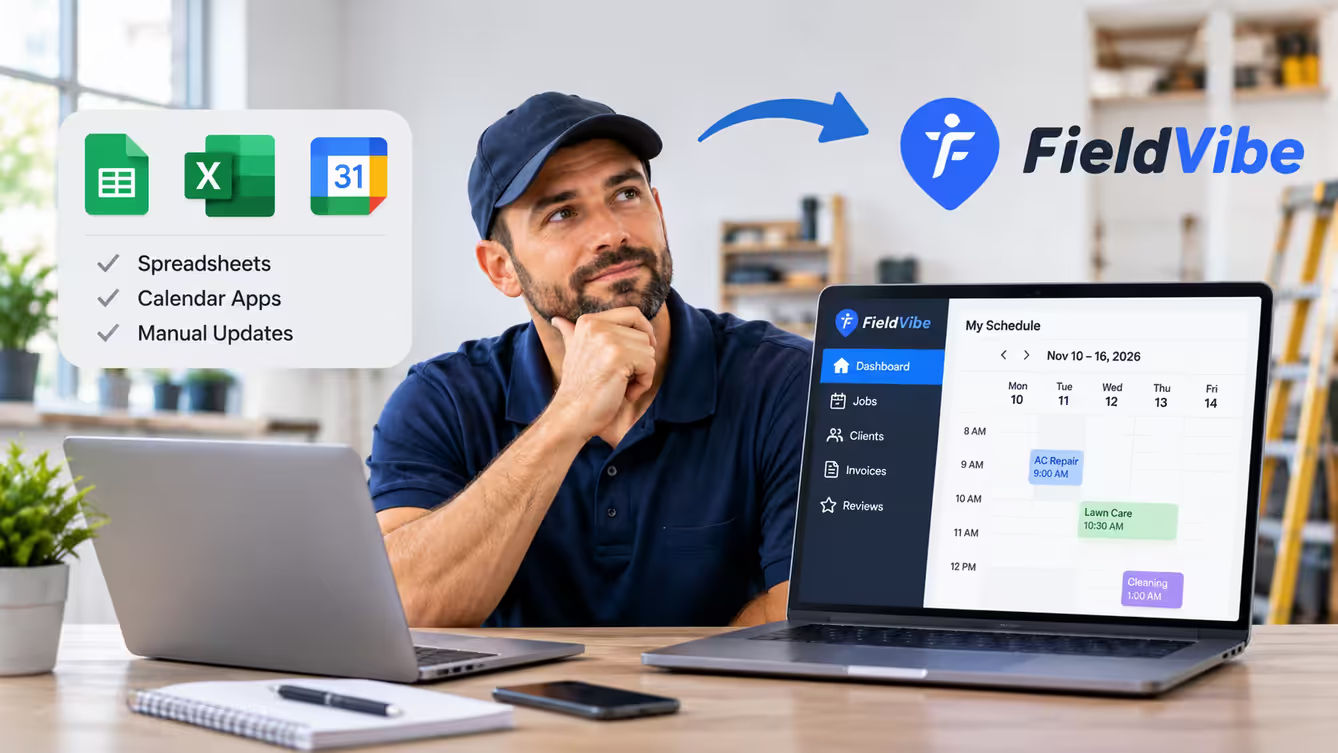
Most service businesses start the same way: a spreadsheet with client names and addresses, a calendar app on your phone, and a lot of text messages. It costs nothing, you already know how to use it, and for the first few clients it works.
Then the business grows. You add biweekly clients, a customer asks for last month's invoice, someone forgets an appointment, and you're updating three apps every night after work.
This guide compares spreadsheets and calendar apps with FieldVibe, a field service app for solo pros and small teams. It covers what each one does well, where each one falls short, and how to tell when it's time to switch.
Disclosure: This guide is published by FieldVibe. We've tried to be fair about what spreadsheets and calendar apps do well, and about what FieldVibe doesn't do.
The short answer
A spreadsheet or calendar app is probably enough if:
- You have a small number of regular clients and you're not taking on more.
- You work alone and don't plan to hire.
- You rarely send quotes or invoices, or you already handle them somewhere else.
- Updating your records takes a few minutes, not an evening.
A field service app like FieldVibe makes sense if:
- You're re-typing the same client details into your calendar, your spreadsheet and your messages.
- You run recurring visits (weekly, biweekly, monthly) and changing one of them is a chore.
- You send appointment reminders by hand and still get no-shows.
- You want quotes, invoices and payments in the same place as your schedule.
FieldVibe's Solo plan is free forever for one user, with unlimited jobs and clients, so cost doesn't have to be the reason to stay on a spreadsheet.
What spreadsheets and calendar apps do well
It's worth being honest about why so many pros stick with them:
- They're free and already on your phone. Google Sheets, Excel, Google Calendar and Apple Calendar cost nothing extra.
- You already know how to use them. There's nothing new to learn.
- Spreadsheets are endlessly flexible. Any column, any formula, any layout you like.
- Calendars are good at time. Repeating events, color coding and a clear view of your day.
If your business is small and stable, those are real advantages.
Where they fall short
The problem isn't any single app. It's that the information about one job ends up split across several of them:
- The calendar knows when, but not what. It shows a 9 a.m. appointment, but not the client's gate code, last visit's notes, what you charged or whether they've paid.
- The spreadsheet knows who, but not when. Client details live in rows, separate from your schedule, so you keep both up to date by hand.
- Reminders are on you. Neither a spreadsheet nor a personal calendar texts your customer the day before.
- Quotes and invoices live somewhere else. A word processor, an invoicing app or a payment app, with the client's details typed in again.
- Your job history is scattered. Finding what you did for a returning customer means searching your calendar, your sheet and old text threads.
- It's hard to share. Once you hire help, everyone needs the right version of the schedule and client notes.
None of this is a problem with five clients. It adds up with fifty.
Spreadsheets vs calendar apps vs FieldVibe
| Task | Spreadsheet | Calendar app | FieldVibe |
|---|---|---|---|
| Keep client details and notes | Yes, in rows you set up yourself | Only in event notes | Yes, with job history for each client |
| Schedule one-time and recurring jobs | Not really built for it | Yes | Yes |
| See your personal appointments | No | Yes | Yes, Google Calendar events can be displayed in FieldVibe |
| Appointment reminders to customers | No | No | Tap-to-send on the free plan; automated on Solo Pro |
| Business website with work requests | No | No | Yes, on the free plan |
| Price book of your services | You can build one | No | Yes, on the free plan |
| Collect client reviews | No | No | Yes, on the free plan |
| Quotes, invoices and payments | Separate templates or apps | No | Solo Pro and Crews |
| Time tracking and reports | Formulas you build yourself | No | Solo Pro and Crews |
| Share the schedule with a team | Shared files | Shared calendars | Crews, with unlimited users |
| Custom columns and formulas | Yes, anything | No | No, a set structure |
| Cost | Free | Free | Free for 1 user; Solo Pro $20/month; Crews $50/month |
Do the math on your evenings
Spreadsheets and calendars are free to download, but not free to run. Try this with your own numbers:
- How many minutes a day do you spend updating your sheet, your calendar and your messages after work?
- Multiply by the days you work in a year.
For example, 20 minutes a day, 5 days a week, for 50 weeks comes to about 83 hours a year. Your number may be higher or lower. Either way, it's time you could spend on paid work, or not working at all.
What FieldVibe adds, and what it doesn't
On the free Solo plan, you can:
- Schedule jobs and recurring visits from your phone.
- Send appointment reminders (tap-to-send, not automated).
- Keep client history and notes.
- Get a free business website where clients can send you work requests.
- Keep a price book of your services.
- Collect client reviews and share them on social media.
On Solo Pro ($20/month, or $180/year): quotes, invoices and payments, automated reminders (400 a month in the US and Canada), multiple devices, and time tracking and reports.
On Crews ($50/month, or $450/year): the whole team, with no limit on users.
What FieldVibe doesn't do: route optimization, GPS tracking, inventory or integrations with other software. Offline mode is read-only, so you can see your schedule without signal but not edit it. And you can't add your own columns and formulas the way you can in a spreadsheet.
Switching without starting over
You don't have to move everything in one evening:
- Bring your client list. Save your spreadsheet as a CSV file and upload it on the FieldVibe web app, or import clients from your phone contacts in bulk on the iOS and Android apps.
- Keep your calendar visible. Google Calendar events can be displayed in FieldVibe, so personal appointments show up next to your jobs.
- Add your services. Put your regular services and prices in the price book.
- Move recurring clients first. Set up your weekly and biweekly visits, then add one-off jobs as they come in.
You can keep your spreadsheet as a backup while you get used to the app.
When to keep your spreadsheet
Stay with what you have if your client list is small and steady, updating it takes minutes, and your customers rarely miss appointments. Keep a spreadsheet next to FieldVibe if you rely on custom calculations that a field service app won't replace.
If you're spending your evenings copying the same details between apps, that's the sign it's time to switch.
Frequently asked questions
Is a spreadsheet good enough to run a cleaning or lawn care business?
It can be when you're starting out with a handful of regular clients and you're the only person doing the work. It gets harder as you add recurring visits, reminders, quotes and invoices, because a spreadsheet doesn't do any of those things by itself.
Can I just use Google Calendar for scheduling jobs?
Yes, and many solo pros start that way. A calendar is good at showing when a job happens and repeating it. What it doesn't keep is the client's job history, prices, quotes, invoices or reviews, so that information ends up in other apps.
Does FieldVibe work with Google Calendar?
Yes. Google Calendar events can be displayed in FieldVibe, so your personal appointments show up next to your jobs.
Can I move my client list from a spreadsheet into FieldVibe?
Yes. You can upload a CSV file on the web app, and most spreadsheet apps can save a sheet as CSV. On the iOS and Android apps you can also import clients from your phone contacts in bulk.
Is FieldVibe free?
The Solo plan is free forever for one user, with unlimited jobs and clients. Quotes, invoices, payments and automated reminders start on Solo Pro at $20/month. For a team, Crews is $50/month for unlimited users.
What will I miss from a spreadsheet?
Total freedom. In a spreadsheet you can add any column and build any formula. FieldVibe gives you a set structure for clients, jobs and prices instead. If your spreadsheet does custom calculations that are central to your business, keep it for that.
Start free
Your spreadsheet and calendar got you this far. If you're a solo pro, you can start FieldVibe's free plan today: unlimited jobs and clients, recurring scheduling, reminders, a business website and client reviews, with no credit card. When you need quotes, invoices and payments, compare the plans.